“To survive and flourish in such a world, you will need a lot of mental flexibility and great reserves of emotional balance. You will have to repeatedly let go of some of what you know best, and feel at home with the unknown.” ― Yuval Noah Harari
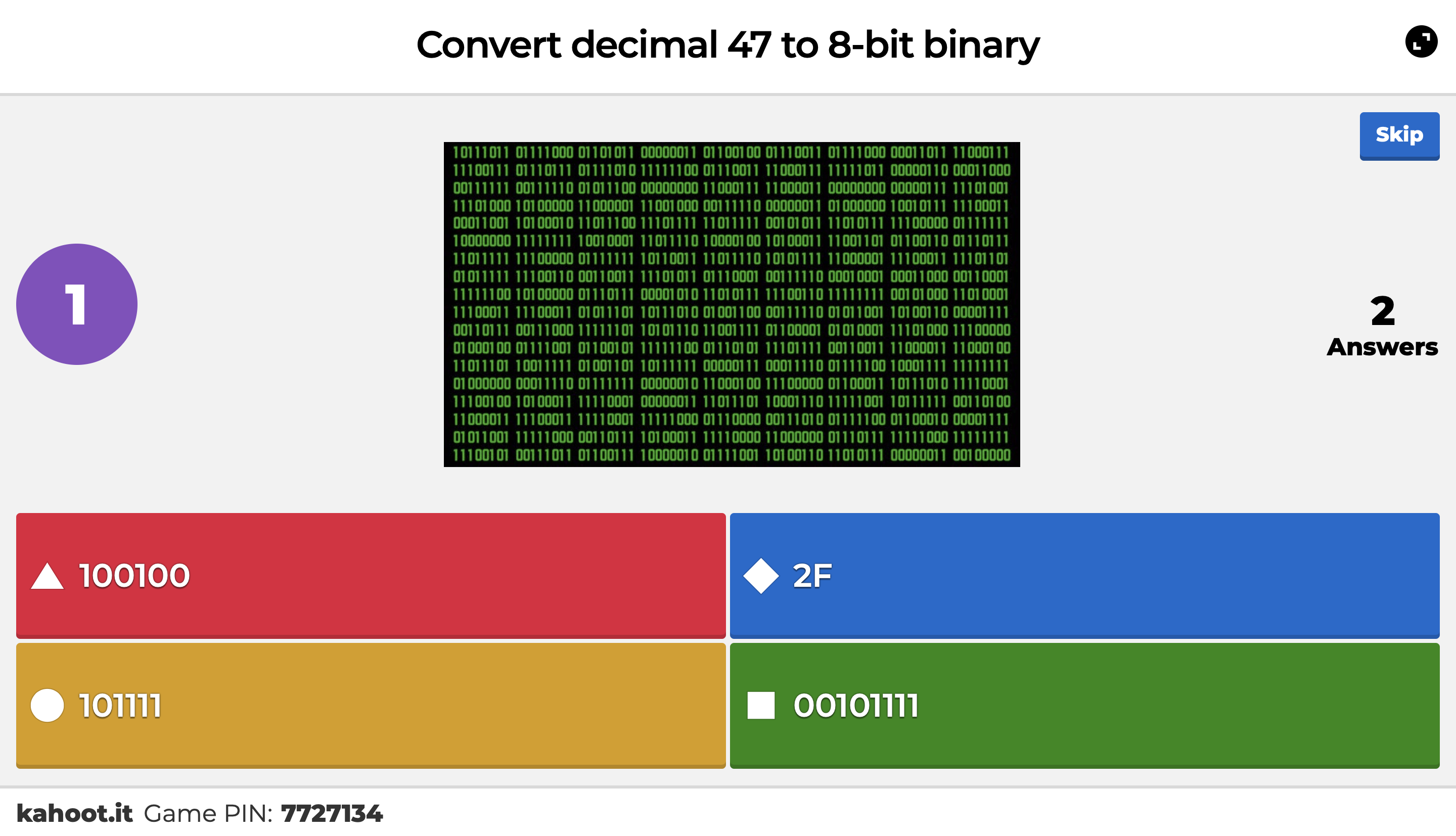
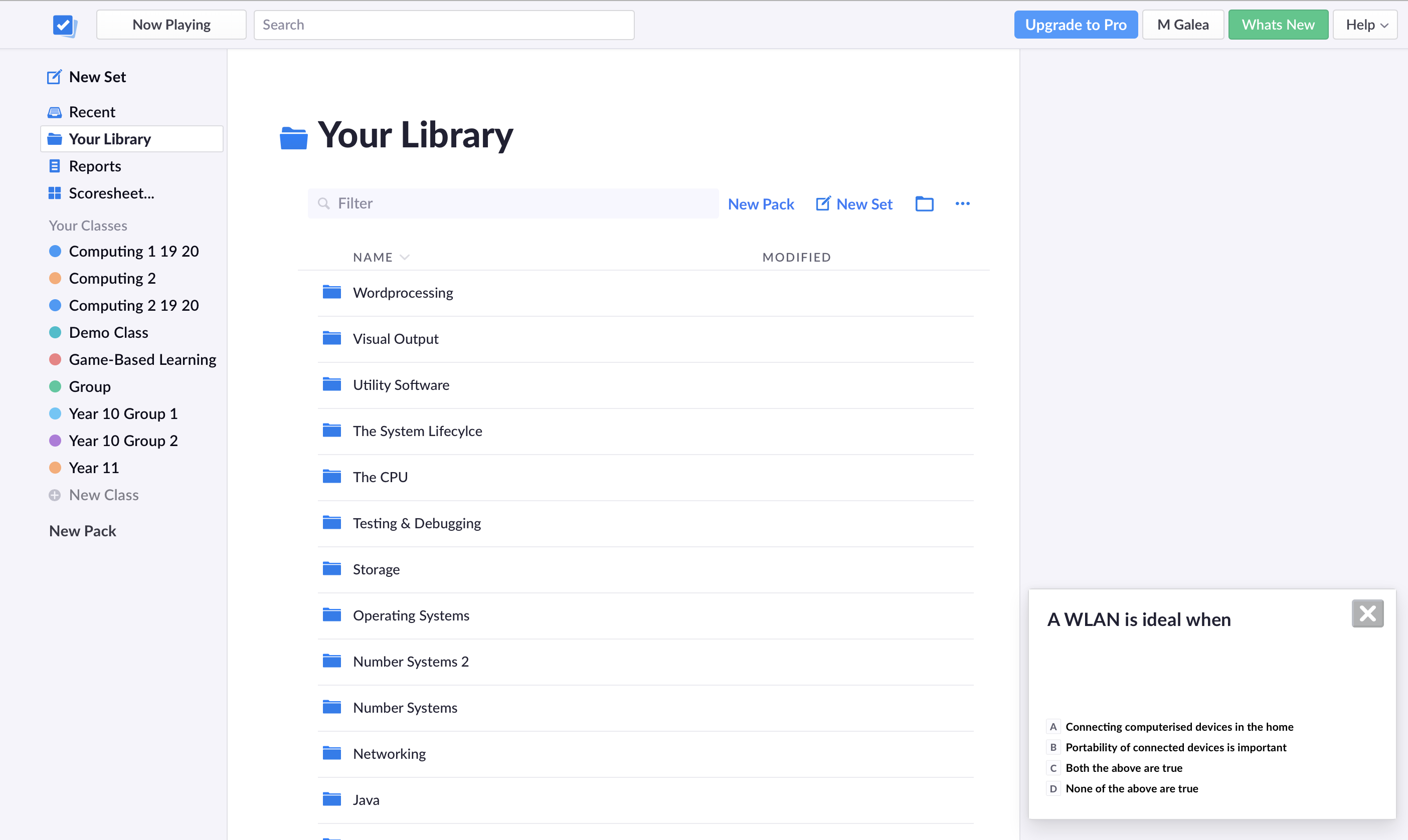
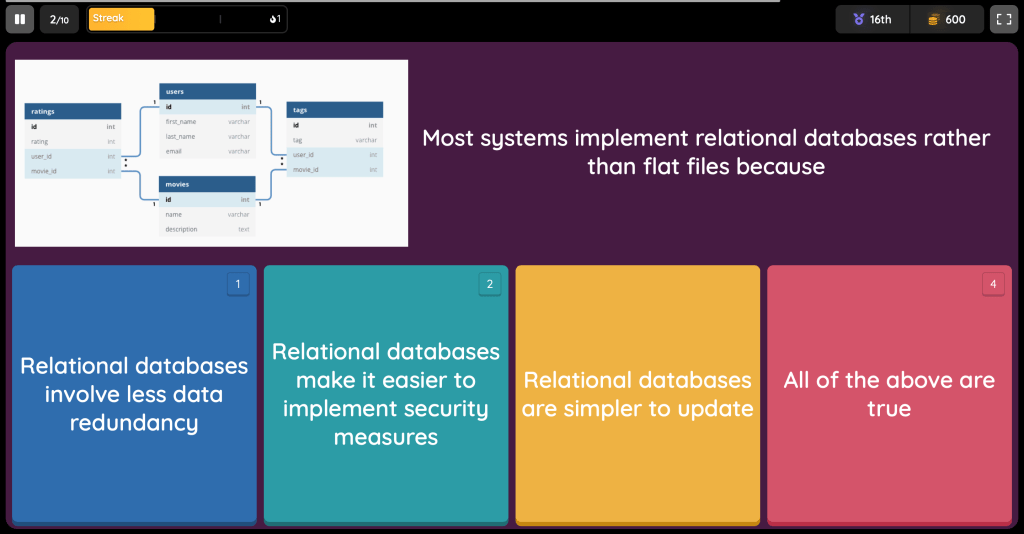
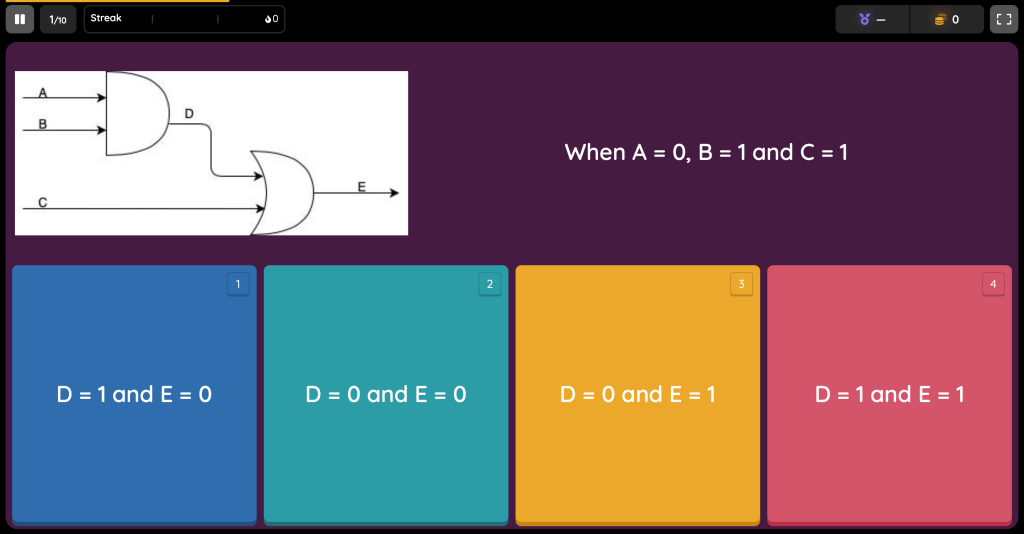
Kahoot and Plickers offer excellent means of assessing understanding and progress…and students love them. This means they pay more attention to their work, and because they get immediate feedback on their answers they are more likely to note and remember the correct reply.
Hence in this respect they are both key to helping students grow.
Critical Reflection
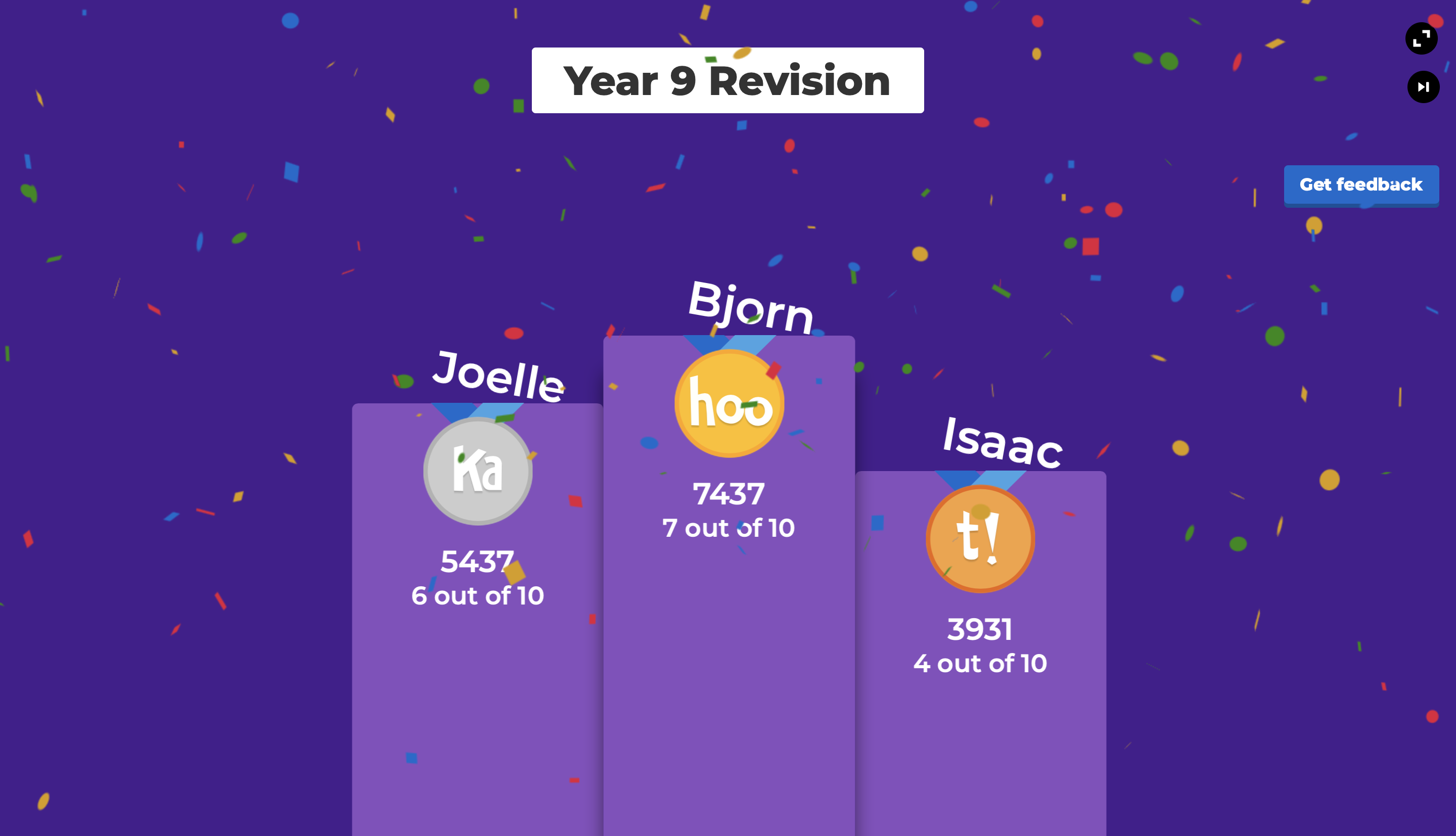
Students generally find Kahoot more fun and it really brings out the competitive streak in many! And let’s face it, given that it gives players continuous encouragement like ‘you’re on a winning streak’ etc. and that in live sessions, following each question the game displays the current top five players, one does understand why live Kahoots get students so excited!
Kahoot also offers interesting features for remote learning, with the free version allowing up to 100 responses on a remotely shared Kahoot that students reply to within a stipulated date.
However there are various reasons why as an educator I favour Plickers in class. This is because the free version offers:
the possibility of a repsoitory of reusable questions.
a sense of security in a mixed ability class as the system never shows any student’s performance record to others.
the facility for teachers to have a mark recorded for each student.
statistics on student replies for each question.
the possibility for students to participate without having their device.
It seems that Kahoot does offer some of the above features, however they don’t seem to be available to a free account.
Quizziz
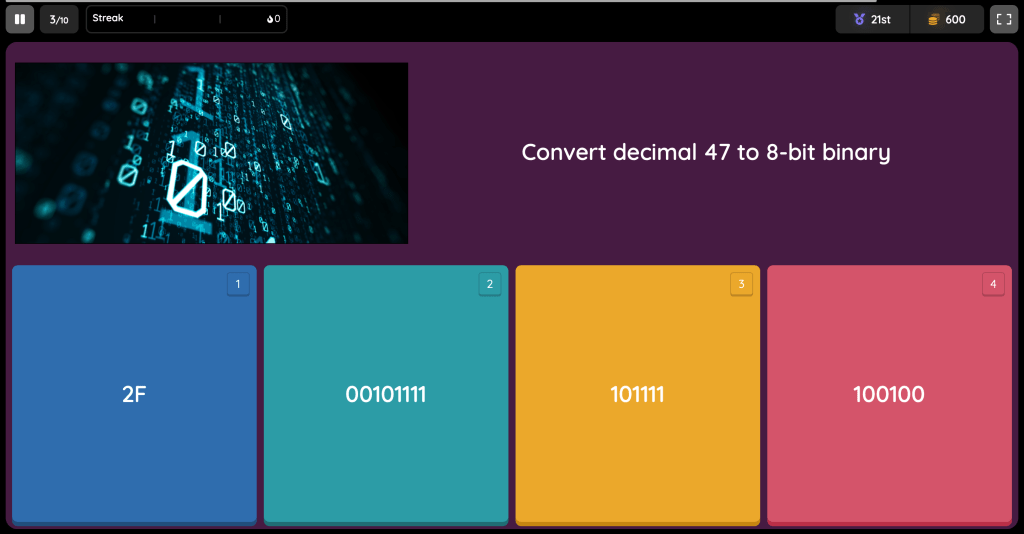
Despite a slightly less exciting interface, and possibly being the less well-known little brother, Quizziz offers many of the facilities offered by Kahoot, while also allowing unlimited tries on a quiz…definitely worth a try!
This exercise aims to increase the learning value of Half-Yearly Exams/tests etc, and is generally carried out in the first lesson after the exam/test session or as close to it as possible.
Part 1: Paper Review
Students are given a blog link with the marking scheme for the exam as well as a hardcopy exam-review document, linked below.
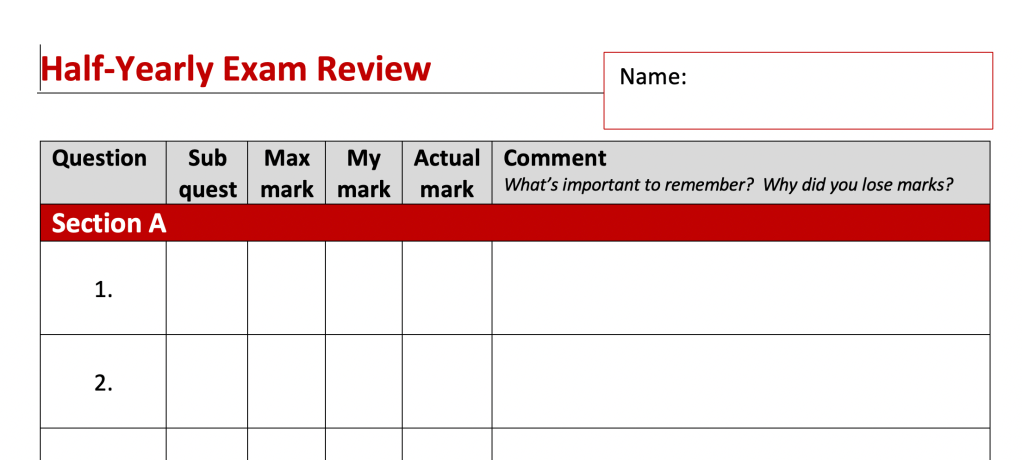
Hence students start by reviewing the paper and reflecingt on their performance to conclude how they think they did as per the table below. (At this point ‘Actual mark’ (the mark they actually obtained in the test/exam) is left empty)
Question-by-question analysis
Part 2: Actual Performance
Next students are given their own corrected paper and compare their actual performance to their perceived performance. At this point they note down the Actual Mark and then add comments regarding their performance in the last column (see above)
Part 3: General Review and Way Forward
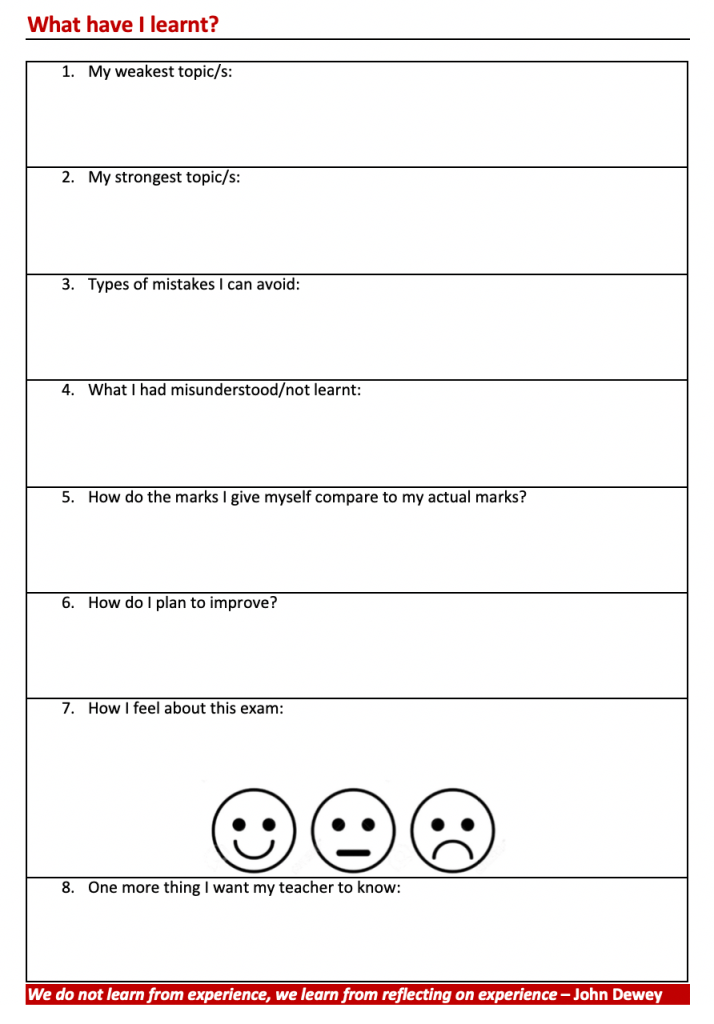
Next students reflect on their performance, prompted by the questions on the second page of the review sheet (shown below). Here they comment on their strengths and weaknesses and are then encouraged to reflect on their way forward.
Reflective Document and Way Forward
Part 4: Teacher feedback
I then collect the review documents, taking note of the students’ comments and giving further feedback, encouraging them to explore their replies more deeply (E.g. ‘What do you mean by ‘study more’? Do you think you need to spend more time studying? Do you think you need to improve the quality of your study work?’).
Lastly I have a one-to-one discussion with each student, using this document as our fulcrum and together we draft a clearer way forward.
Critical Reflection
I am struck by the a-ha! moments my student experience during this exercise. Since their mark is not given outright, they focus on their performance more than the ‘number’ attached to it. Students look at where they lost marks and why, they kick themselves over marks carelessly lost and comment on the little things that made a difference to an answer. They also make quite spot-on remarks about their strenghts and weakness.
I think the questions on the second page encourages students to reflect deeper, however it was clear that they were not used to such reflection as many initially give very generic non-answers and need to be guided to deeper analysis.
When I first started out with this exercise, I did not include a one-to-one discussion with students at the end, but now that I’ve introduced it, I see great value in it. It encourages students to explore their strengths but also their fears and shortcomings with me and that helps us clarify our way foreward together and in the subject.
Moving Forward
Students comment very favourably on the usefulness of this exercise and I think I should seek to implement this structure more often and not limit myself to exams. Time, as always, remains a key factor though.
This was essentially a revision exercise aimed to prepare students for the annual exam. However it managed to keep students on task much more than any past paper ever did (even though it included past paper questions essentially).
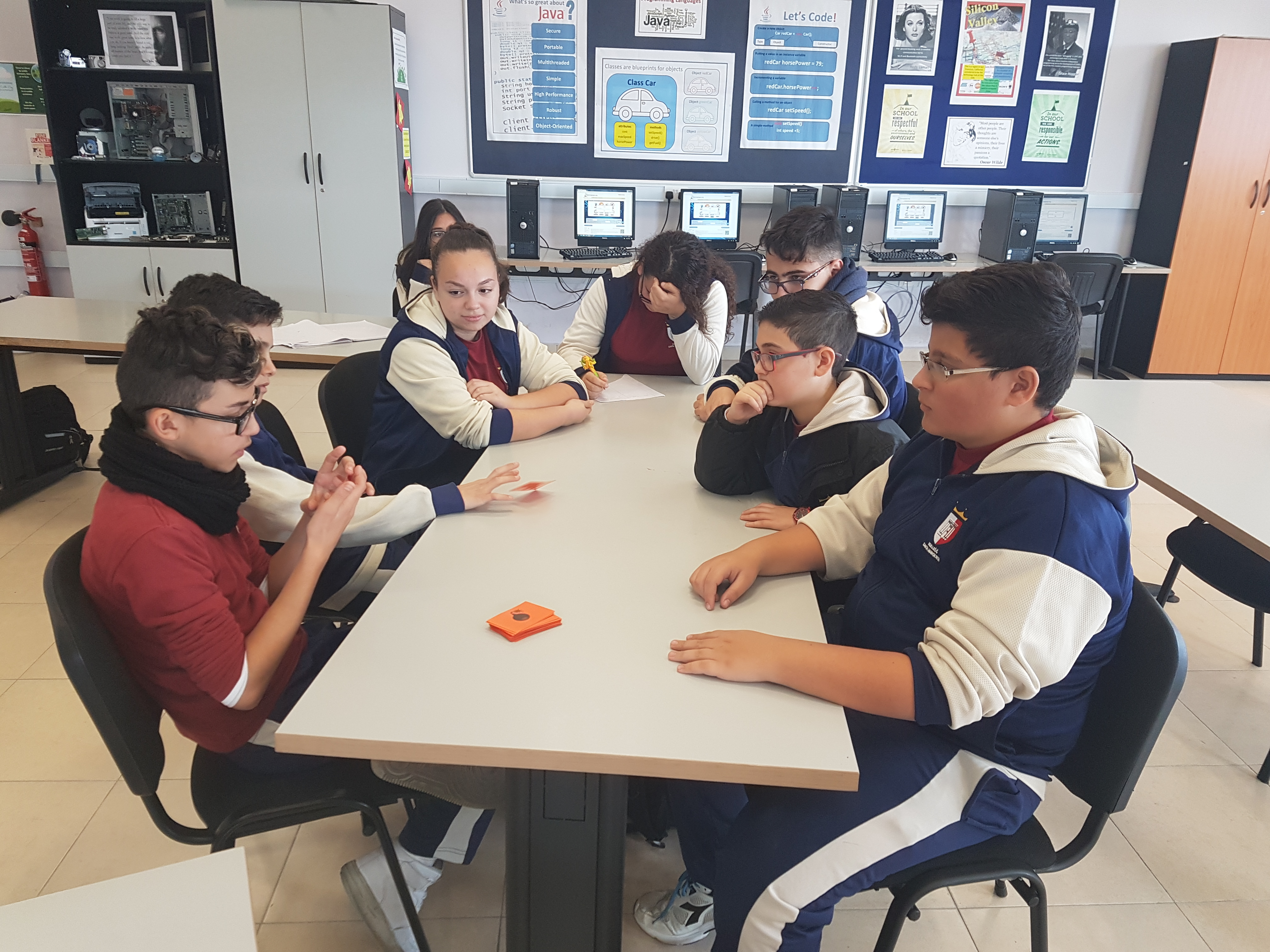
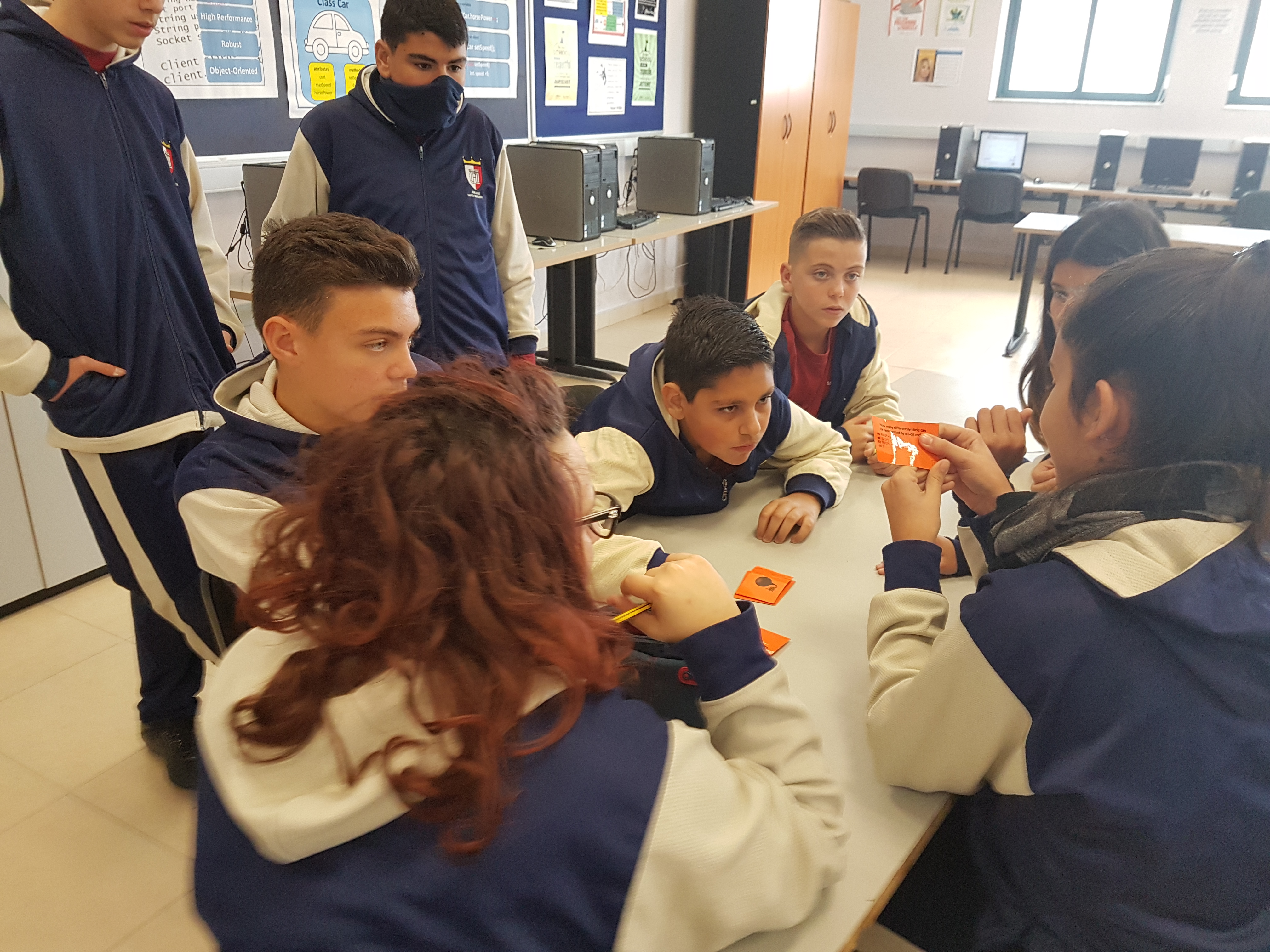
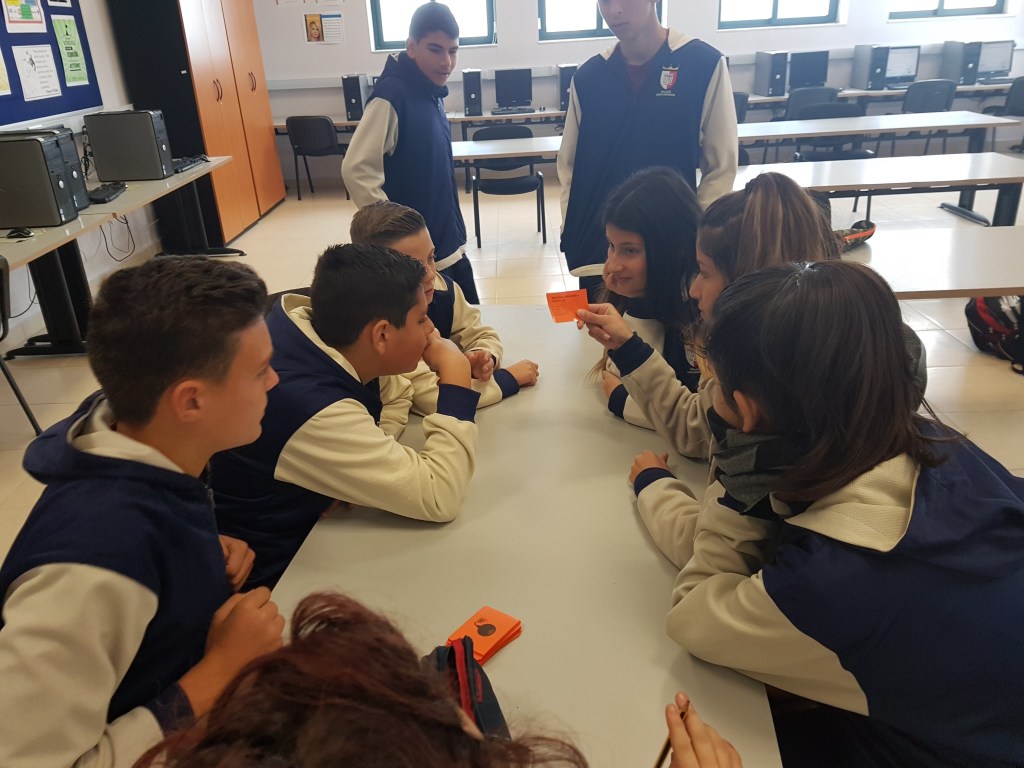
The gameplay
Initially students were put into teams of 2 or 3 and then we had 4 game tables with 2 teams playing each other at each table. We played 3 rounds to determine the winning and losing team at each table.
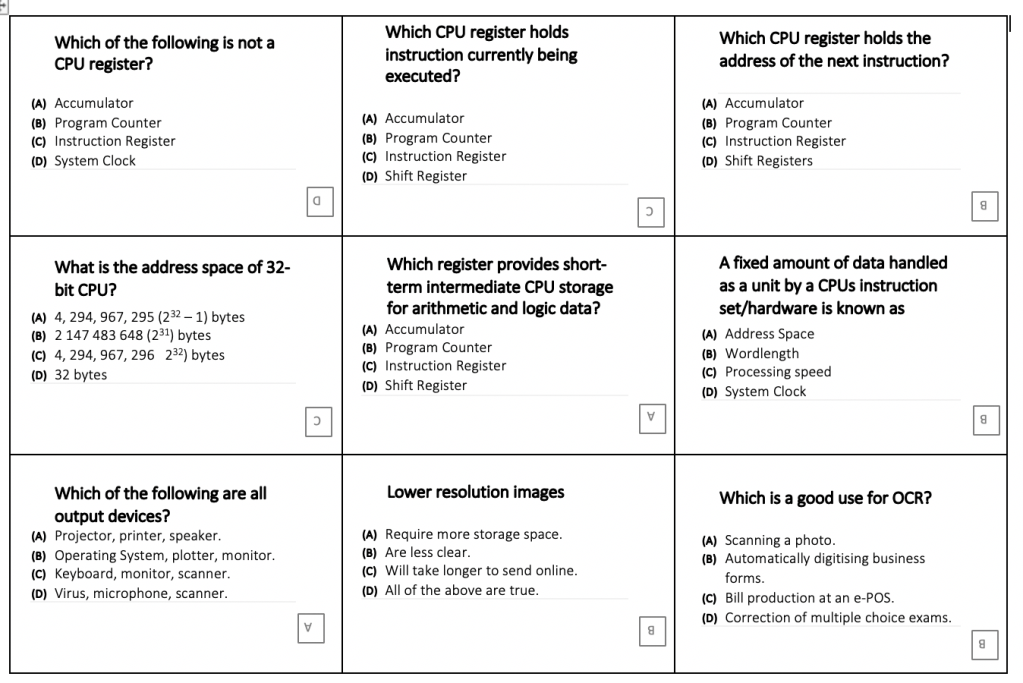
Pass The Bomb Document
Each game card had a multiple choice question and its answer at the bottom
Groups won a point for each correctly answered question
Groups lost a point if the bomb exploded in their hands.
Students were aware that in the final round the deck would involve 50% new questions and 50% questions from their current pack – this meant they were very attentive to the answers of all questions being asked.
After each round an elminiated team was brought back into the game by a special ‘best-out-of-5’ round of questions. (The precise structure was not as important of course as keeping all students aware that they could be back in the game at any point and hence not be alienated form the questions being asked.)
Critical Refletion
Students loved this activity: they were very much engaged and I think that as a revision exercise it was very successful, especially as the cards allowed students to manage the quiz quite independently of the teacher.
Side note: Card-based Activities
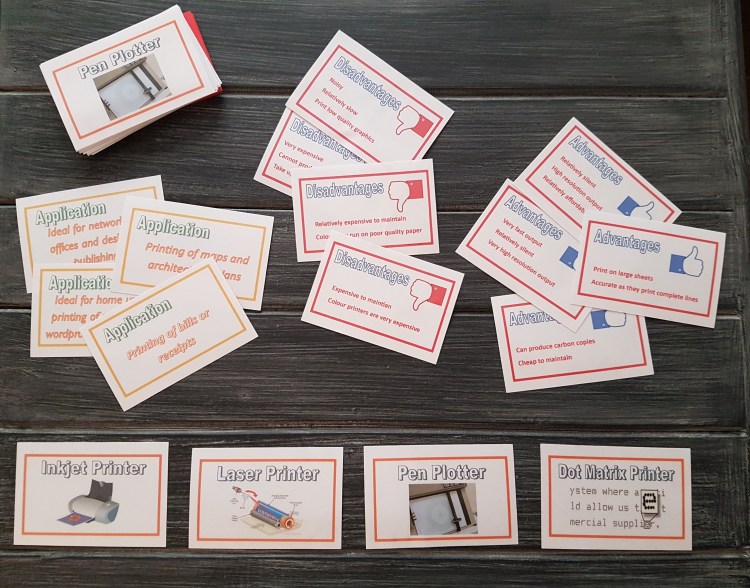
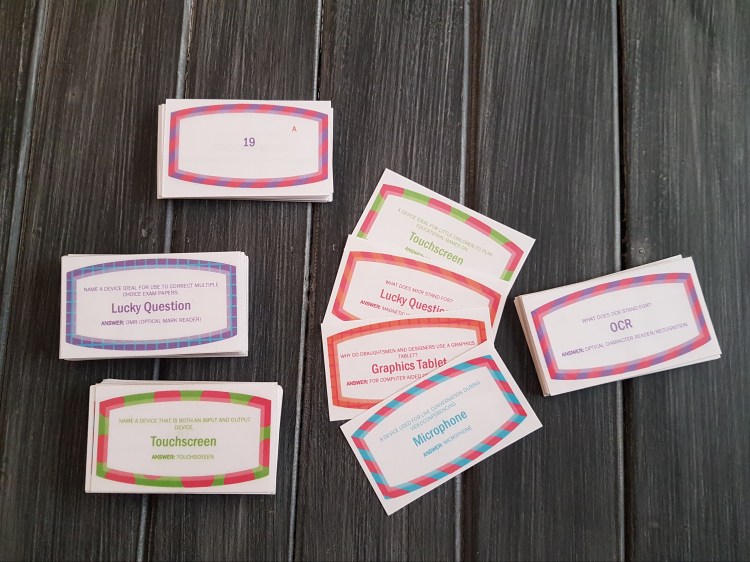
During a scholastic year where our internet connection was entirely unreliable, I relied heavily on card-games. Be it for self-testing games like Make-31 below or for tasks that helped students complete their notes like the Printer Comparison Activity also shown below.
An expensive option
I felt that students enjoyed card-based activities as well as computer-based ones, however they tend to be far more expensive to produce in terms of both time and money.
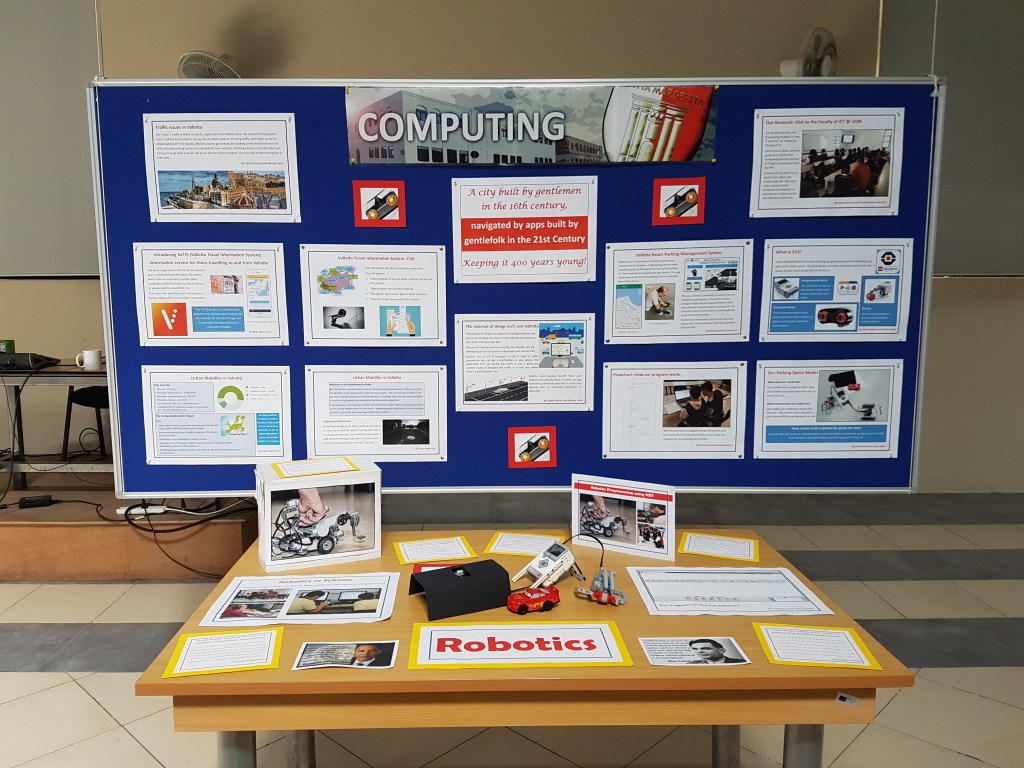
In 2018 the theme for our school exhibition was Valletta ’18. The Computing Department’s exhibit involved our Year 9 and 10 students. Our main aim was to encourage students to reflect on how technology can help improve our experience of a 500 year old city in our 21st century realities of traffic issues in particular.
Making our exhibit
Research Method
In this project, therefore, students looked at traffic and parking issues in our capital and explored ways these can be addressed. Thanks to then Valletta mayor, Prof Dingli, our students had the opportunity to visit UOMs Faculty of ICT and meet Mr Dylan Seychell who shared his firsthand experience with AI, IoT and the creation of apps like VaTIS. Mr Seychell helped students delve into the implications of the IoT in general and in the context of our problem in particular. He helped them understand and reflect on how apps related to traffic and parking issues in our capital collect relevant data and in future may further improve our experience of Valletta.
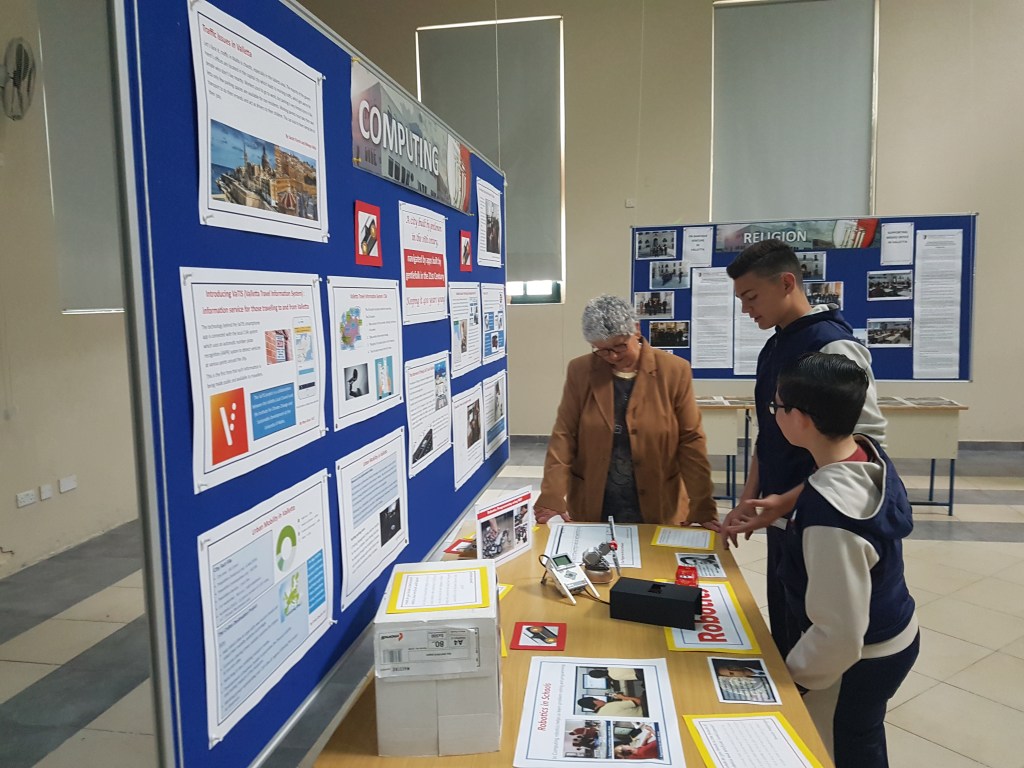
This research led to students creating the Computing exhibit. Different students focused on different aspects of the project. Students used Microsoft Word and later Microsoft Publisher to create posters outlining urban mobility in Valletta, the CVA system and the role of the IoT in apps like VaTIS.
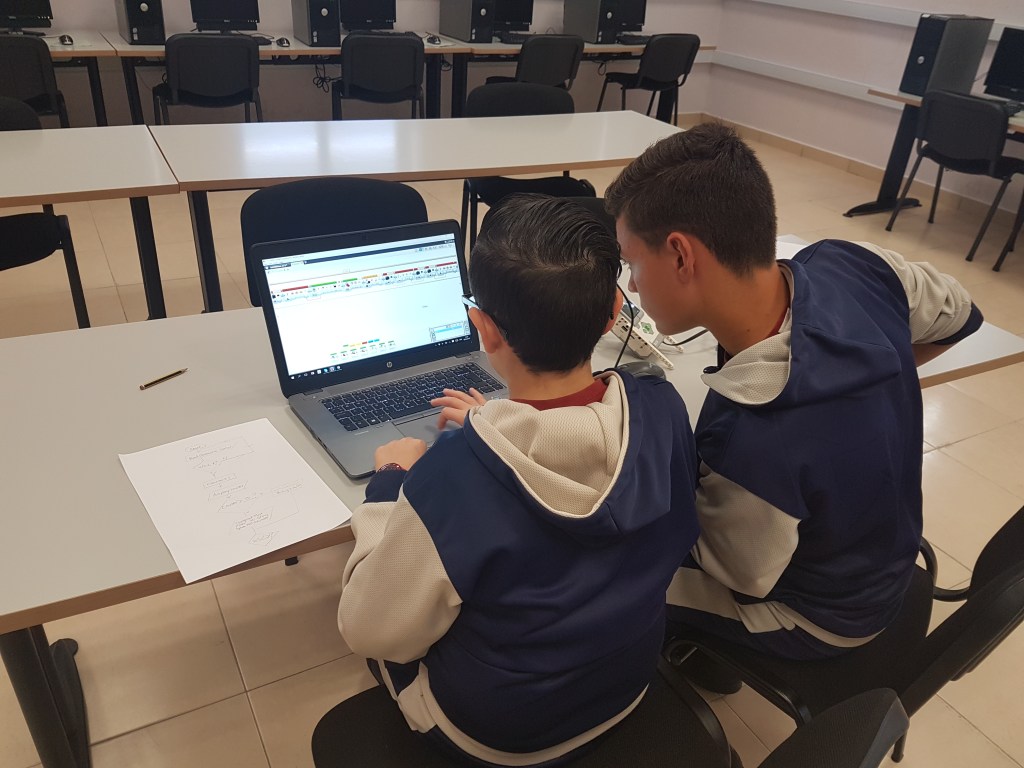
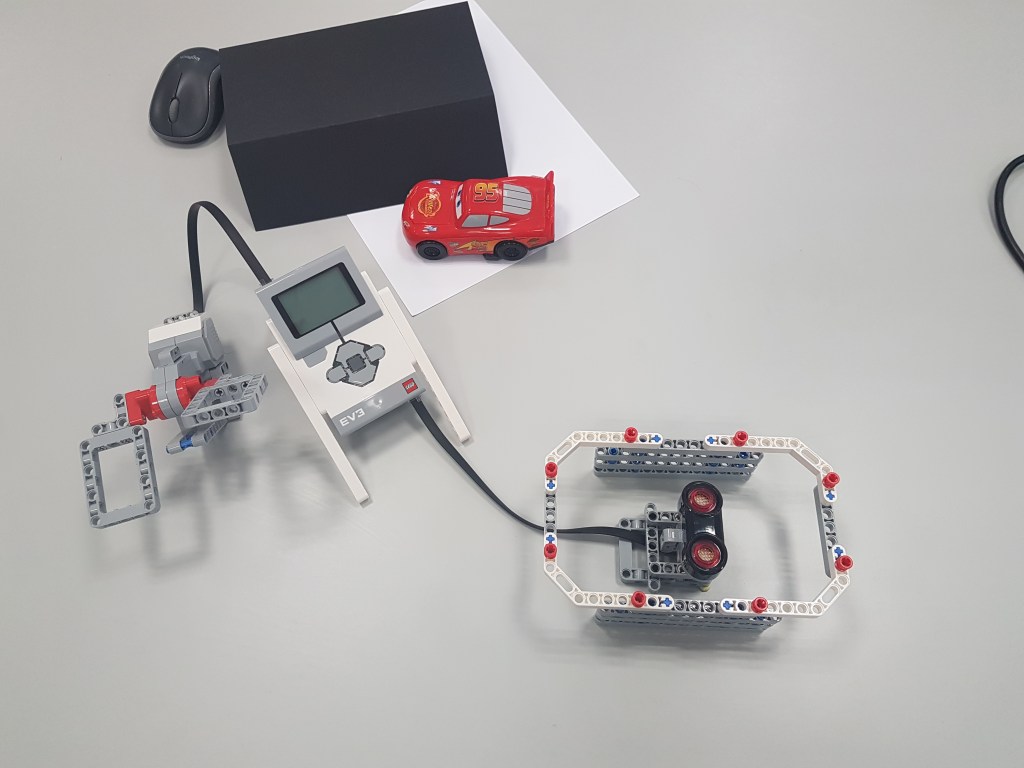
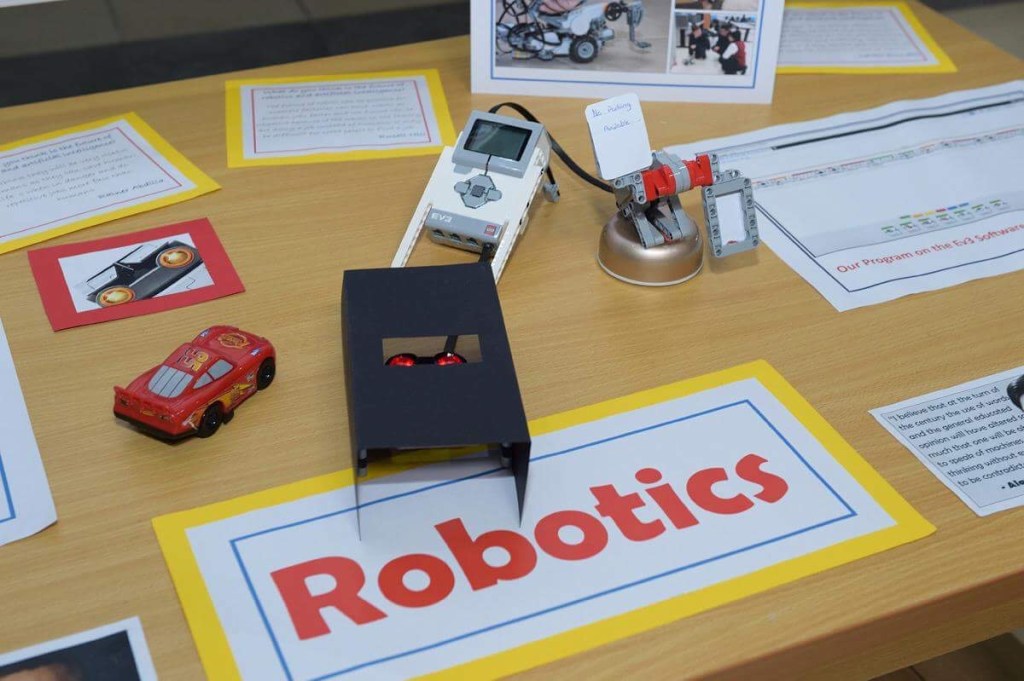
Meanwhile, some Year 9 students worked on a model of a smart parking place. These students designed an algorithm that would keep track of the number of parking places available and inform users accordingly of the number of parking places still available. They then built an EV3 robotic device for this application and implemented their algorithm on EV3 software.
Exhibiting our Work
Students presented their work during the school exhibition, explaining the problem they had tried to tackle and demonstrating their working model.
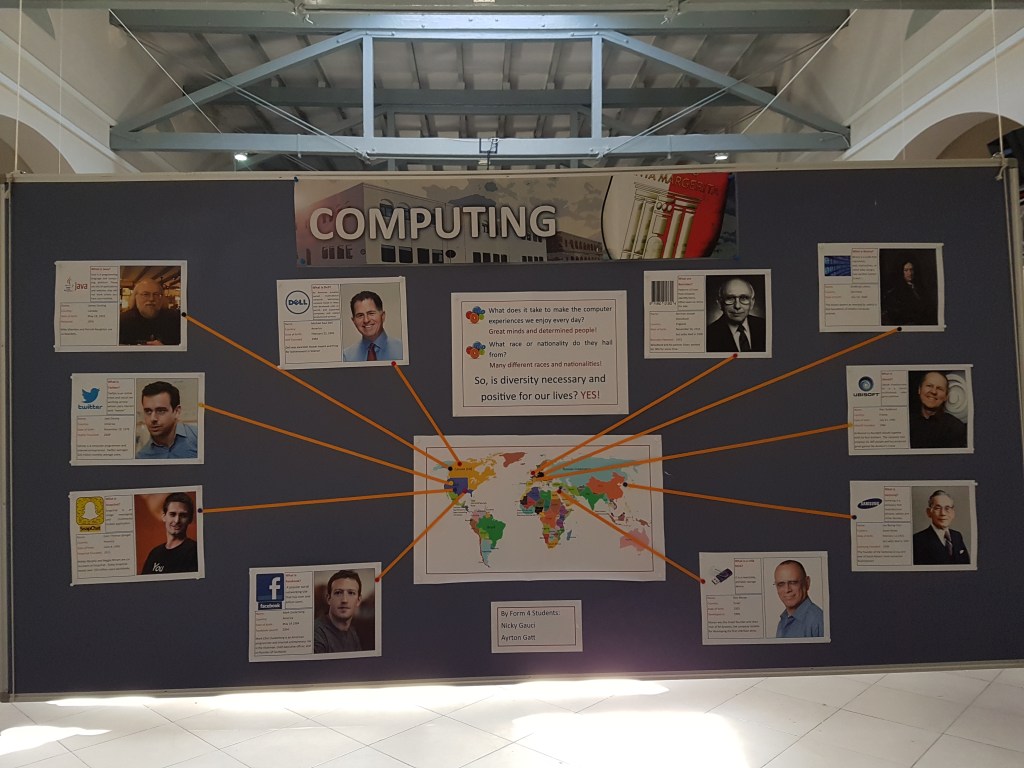
In 2017, as Malta was hosting the CHOGM, our school chose the Commonwealth and CHOGM as the theme for its annual exhibition. The Computing department focussed on one of the major themes of this meeting, namely: human rights, diversity and migration.
Phase 1: Researching ‘Major Inventions’
Students were asked to list things they consider central to their computer experience, which they called ‘major inventions’. Some students named social media platforms, others named games, others particular devices etc.
Then students were tasked with discovering the people behind the major invention they had listed; briefly outline their importance and also find out the country from which each ‘inventor’ hailed.
Hence students made a small poster for each major invention.
Phase 2: Making our Map
We printed a world map and tried to pin each ‘major invention”s father on it.
Students were given pins and pieces of string and soon discovered their project ws going to be ‘star-shaped’ to quote one student.
Phase 3: Reflection
Students realised that it took people from many countries to make up the online and gaming reality they so enjoyed.
Phase 4: Exhibit
Students exhibited their work and reflections to visitors to our annual exhibition which included local and foreign dignatries.
Critical Reflection
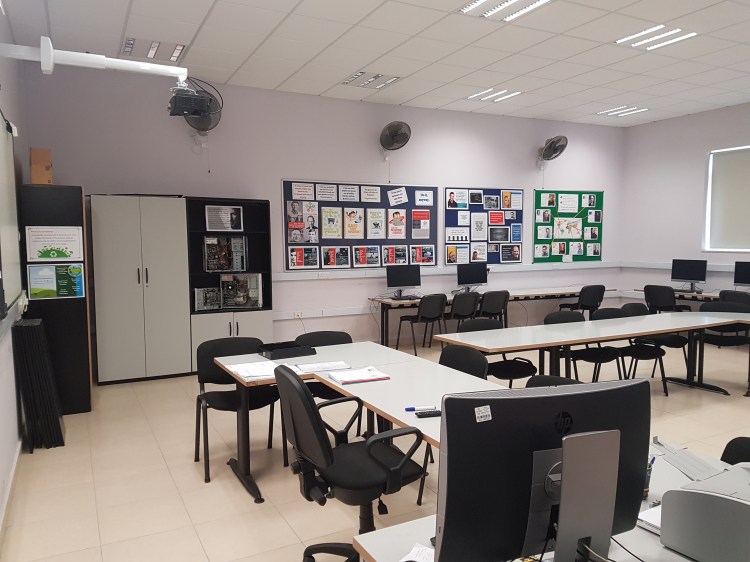
I felt this project was a major success, and particularly suited to students with lower academic inclinations. The visual impact of the end-protect was such that we eventually made this into a permanent exhibit in our lab.
Future Implementation
If I were to take something similar to this project again, I would seek to have at least 2 inputs from each student in order to have an even more representative sample of where great tech ideas hailed from.
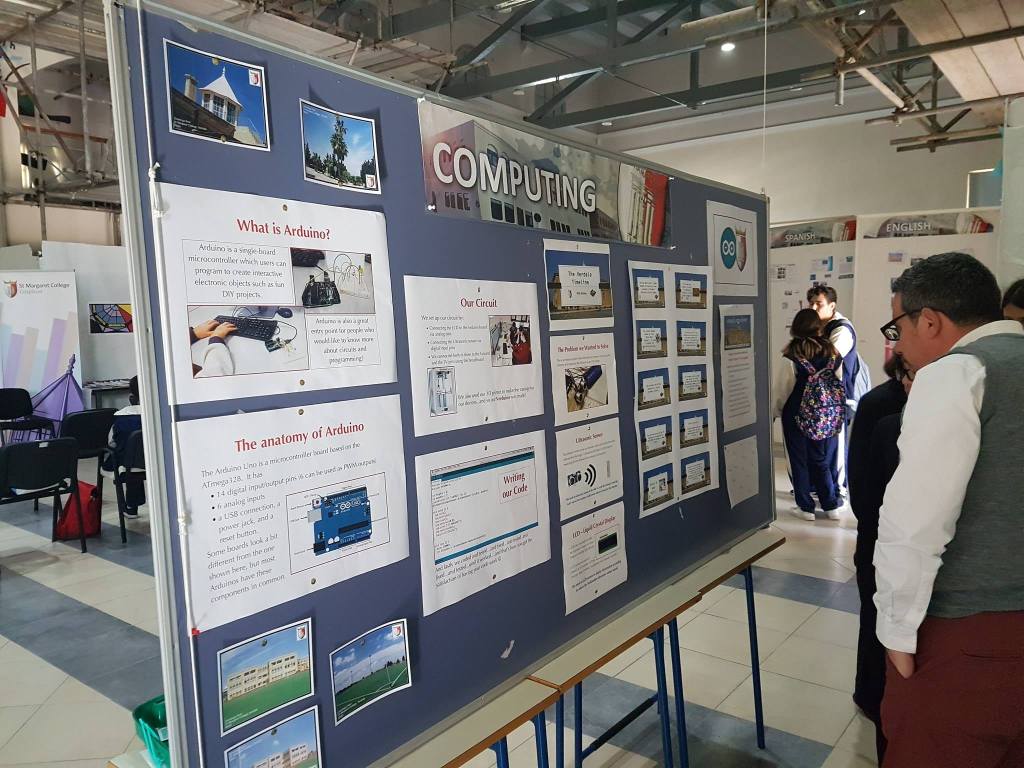
In a project that was loosely structured around the jigsaw technique, the Year 10 Computing Team used robotics and programming to explore the school’s annual exhibition theme of ‘The Verdala Experience’. We developed a timeline that invited visitors to a hands-on experience of our school’s rich history.
The team therefore created a robotic system that would invite visitors to participate by:
Moving the robotic device, which students chose to call Verduino, along the timeline and reading the hint shown on the LCD screen.
Using this hint, they could then place our school history cards in the correct order.
Then, visitors could choose the correct sequence for the history cards on our presentation.
The presentation checked if they got the pattern right and gave feedback accordingly.
Making Verduino
We made Verduino using Arduino and models created using our 3D printer.
We connected an ultrasonic sensor to Arduino so the system could read its position on the timeline. Then we wrote a program that according to the distance read would output a hint on an LCD screen that we also connected to the Arduino board.
We 3D-printed a ‘face’ for our ultrasonic sensor, a stand for Arduino and a frame for our LCD.
We called it Verduino: the first major Arduino project at Verdala!
We made the ‘school history’ cards showing key points in the story of our school and which we presented scrambled to visitors.
We used Microsoft Power point to create an interactive presentation that would tell participants whether they had the right history cards sequence.
A team effort!
Students brought different skills to the table and all had different roles:
The Arduino team set up the circuit and programmed the device.
Some students helped with the 3D-printing.
The ‘game-makers’ researched the school history and created the game.
Our presenters guided exhibition visitors through our game.
This project gave students the opportunity to develop a robotic system to solve a problem. Arduino gave students the flexibility to create a system that answered their needs and also gave their coding a physical angle. Since students are also learning Java and we used a variant of the C language to code Arduino, they could better reflect on essential similarities between programming languages and the centrality of certain coding principles to programming in general.
Students also had to identify the more suitable software to use to create their ‘game cards’ and interactive presentation.
Very importantly, this project showed students that it takes different skills and people to bring a project to fruition.
Critical Reflection
This was a very succesful team effort where students were empowered to bring their own ideas to the table and contribute through the project according to their ability. Students showed a great sense of belonging to the team effort and were proud and protective of it.
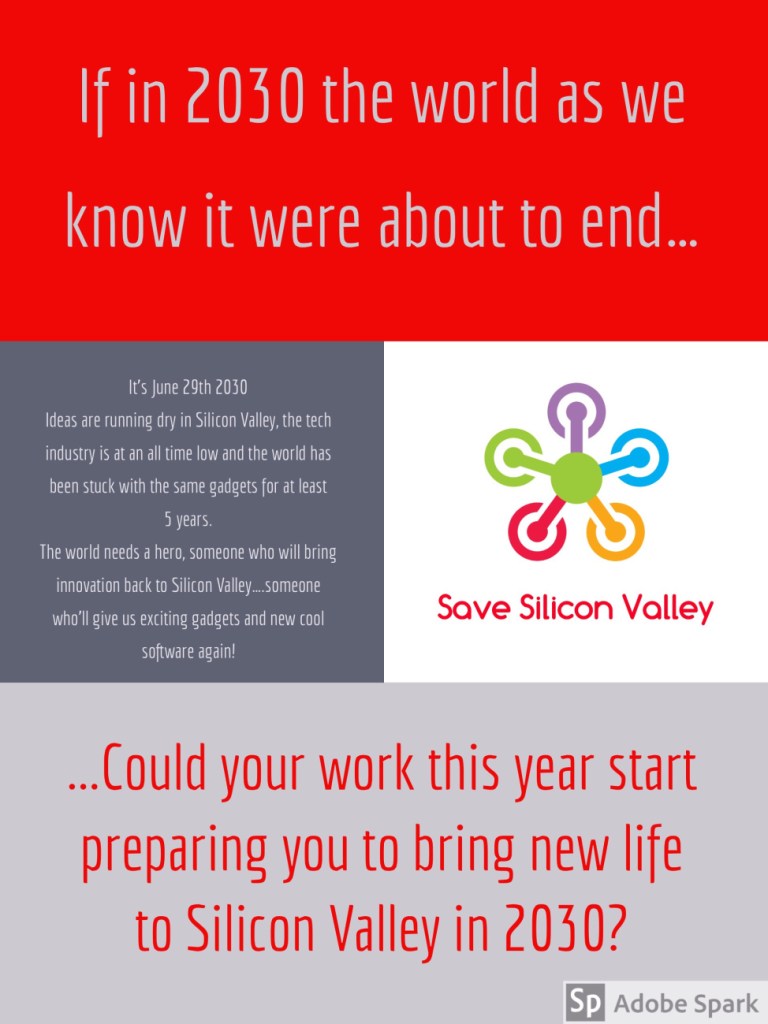
This was an attempt to gamify the year for Computing Year 9 students. The idea is that students view their every effort in the subject as related to their final goal of making it in the field.
Introduction
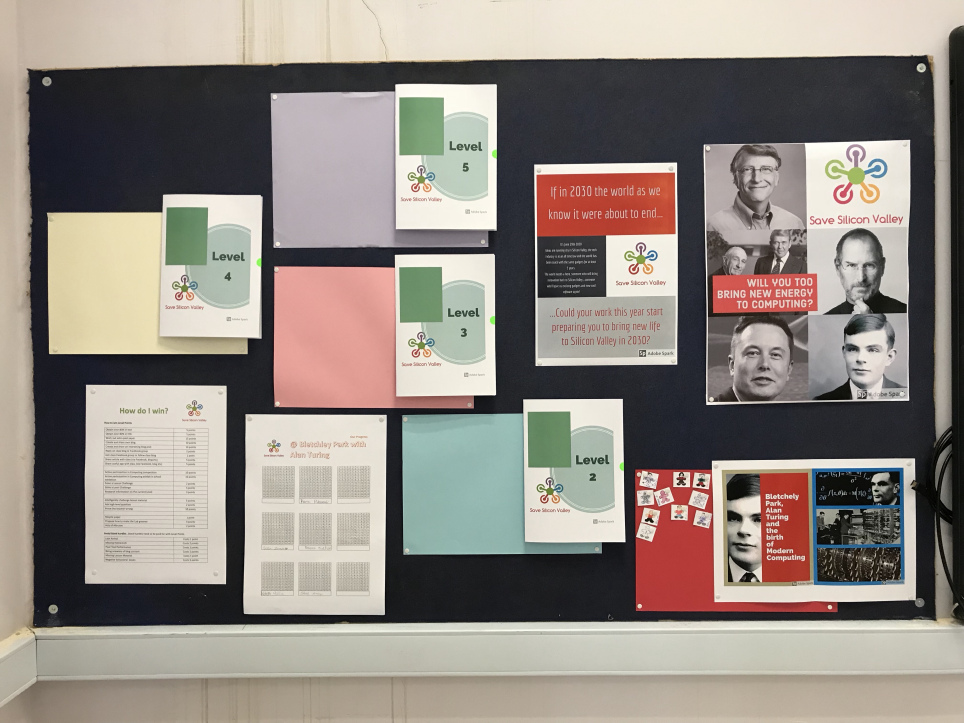
At the start of the scholastic year, students were introduced to our scenario:
Then each student was given an avatar outline and asked to personalise it. Each avatar was eventually placed at Bletchley Park with Alan Turing in Level 1 of our game.
The idea was that eventually, students gained points and hence moved to Levels 2, 3, 4 and 5 etc, earning a certificate of achievement at each level.
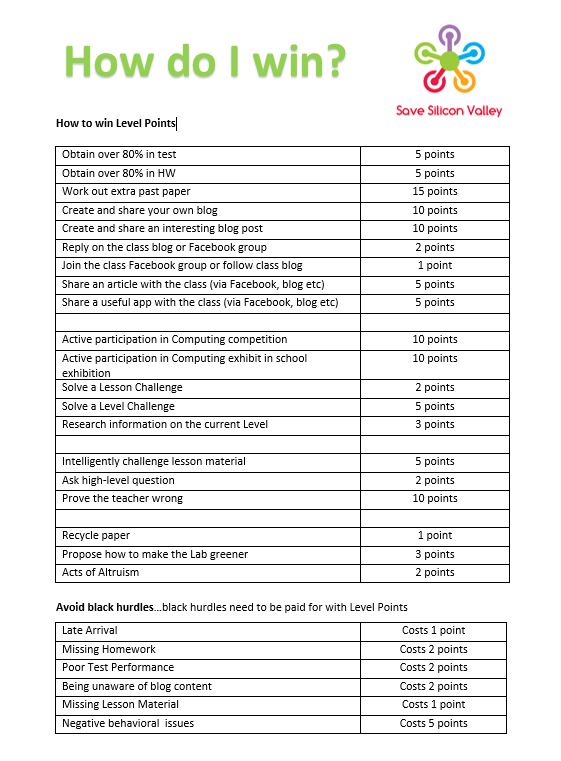
At the beginning of the scholastic year students were told how they could win or lose points according to the chart below.
During the Scholastic Year
During the scholastic year students were awarded points as per the above chart. This helped create a sense of goal to our activities.
Critical Reflection
Students took to the idea: they were keen to see their points go up with their achievements.
This project also helped make household (read ‘Lab 5’) names of the personalities in our game and showed the history of Computing as an ongoing story that impacts humanity.
Future Implementation
Though the idea was good, it was not quite practical enough and I soon realised that I will need to refine on it.
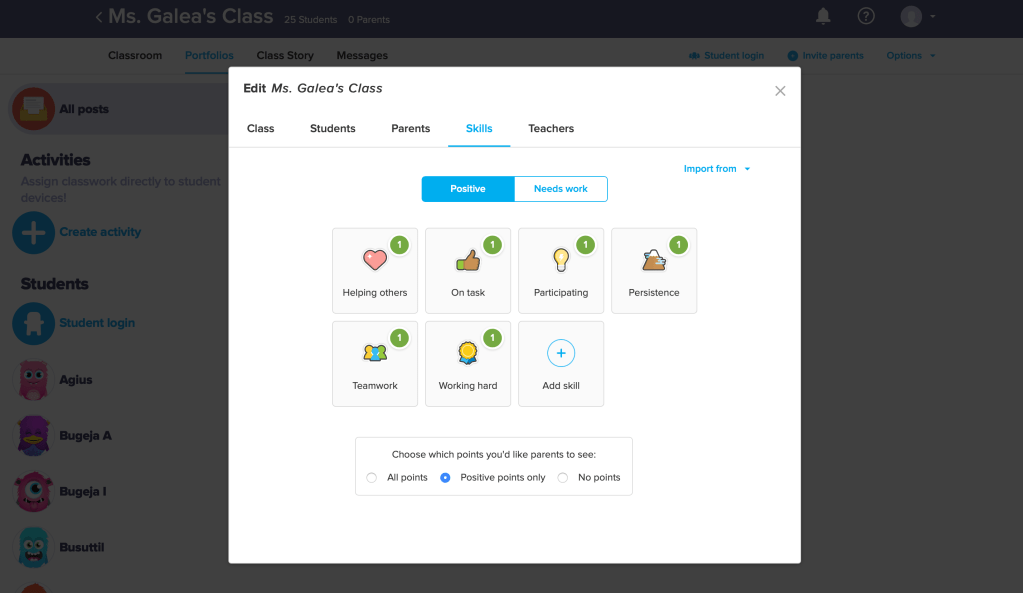
ClassDojo can make the point system easier to use
Points I’m currently considering include:
Improve on point system: narrow down to 5 to 7 points and make the point system clear to students.
Tie in ongoing course efforts e.g. students’ own blog.
Make the point system available on the class blog/team and/or give each student a hardcopy.
Make the point system easier for myself as a teacher to use and for students to access (e.g. by implementing via the VLE, ClassDojo or other online means)
Introduce more ‘game-like’ elements :e.g. an element of chance related to students winning ‘Chance cards’ for good efforts.
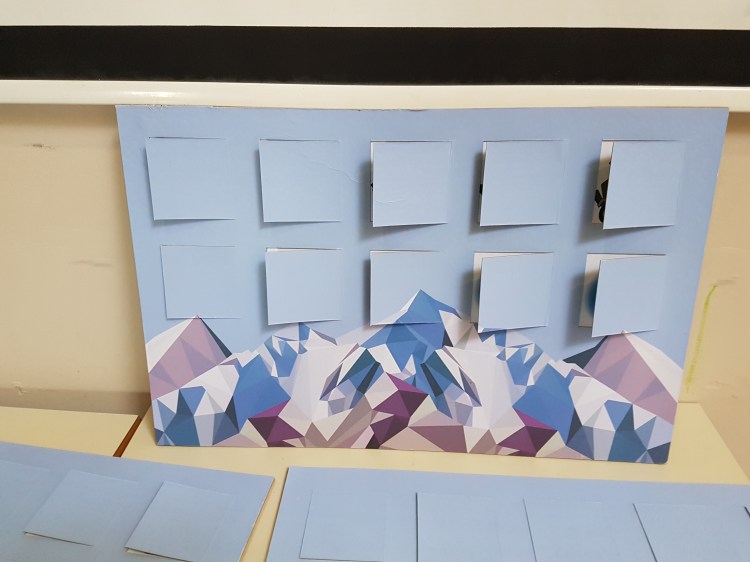
Open a Window for Peace is a game created by the Students’ Council and members of the Gaming Club. Its aim was to animate the school’s Annual Exhibition with the theme of ‘Peace and Harmony’ in March 2017. The game was conceived with, produced and rehearsed mainly during midday break Gaming Club and Students’ Council meetings.
Students started out by a consideration and application of the game Global Conflicts, Palestine which acted as a springboard to start discussing the development of their own game. Although it was not directly linked to particular lessons, we coordinated with Geography HoD Ms Rita Debattista in its production and it was later related to relevant syllabus sections.
The Game tries to highlight the intricacies of international relationships, conflicts and refugee crises by presenting a simple scneario that students can relate to.
The Game Story
The game presents, two neighbouring countries called Maltland and Gozino which are in conflict with each other. Over the past years a Religious conflict has led Maltland to claim Gozino’s main water supplies. As a result, Gozino’s harvests and grazing lands are suffering. The people of Gozino are in danger of famine. Many people are fleeing from Gozino to other neighbouring countries, creating a refugee problem between Gozino and these countries.
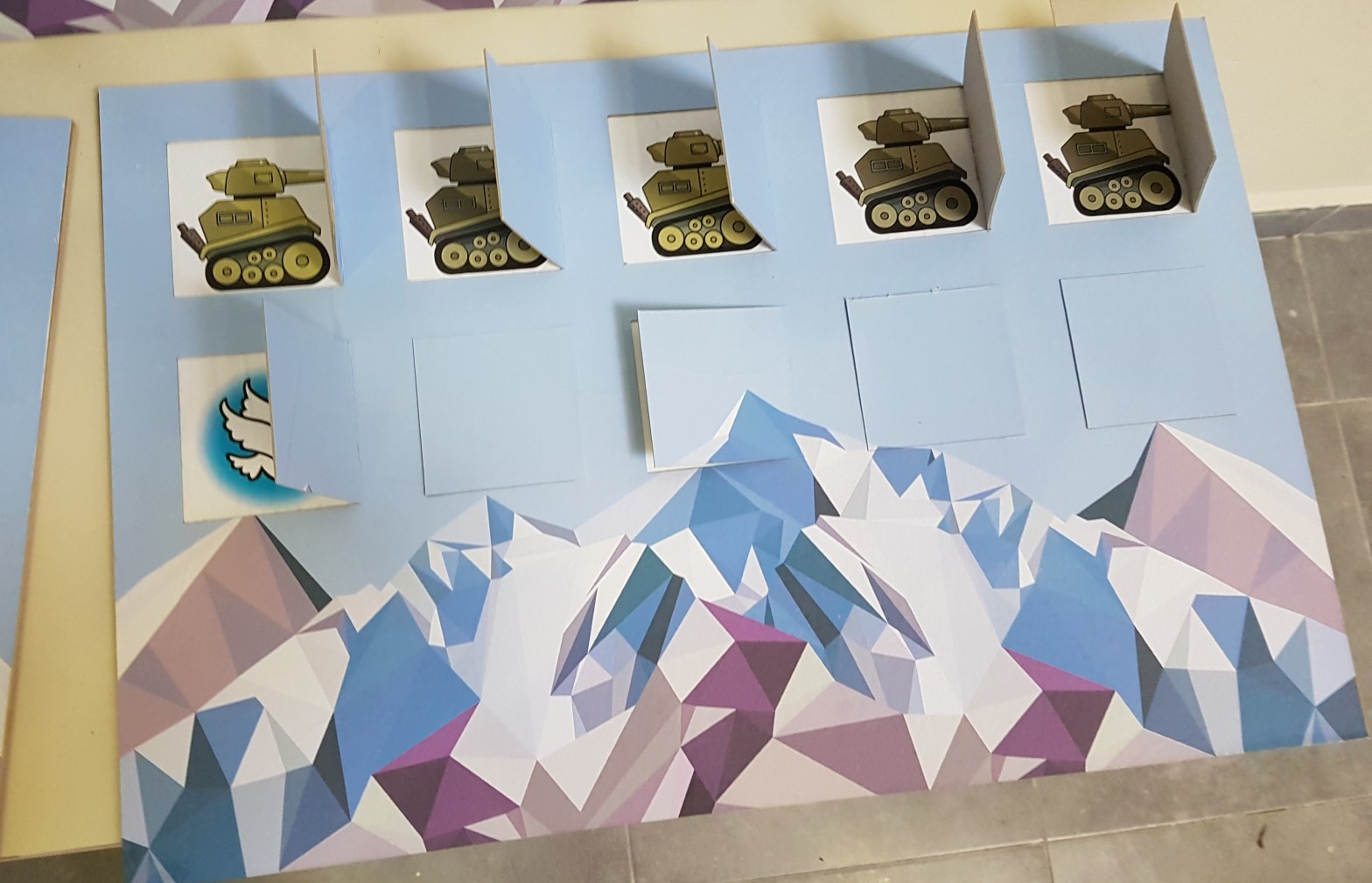
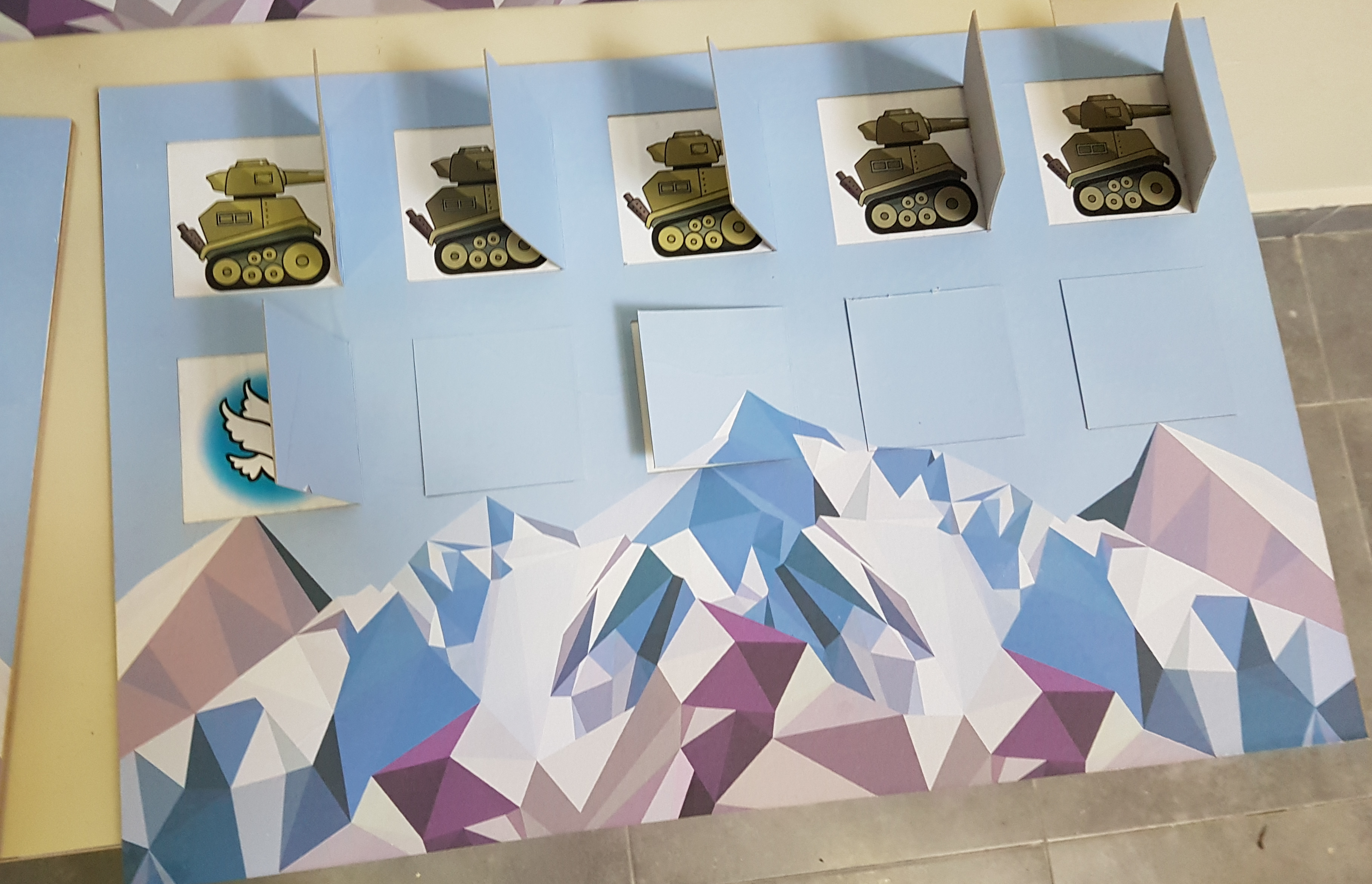
The competitors need to answer questions that will win them the right to close Windows to War and open Windows to Peace.
Game Play
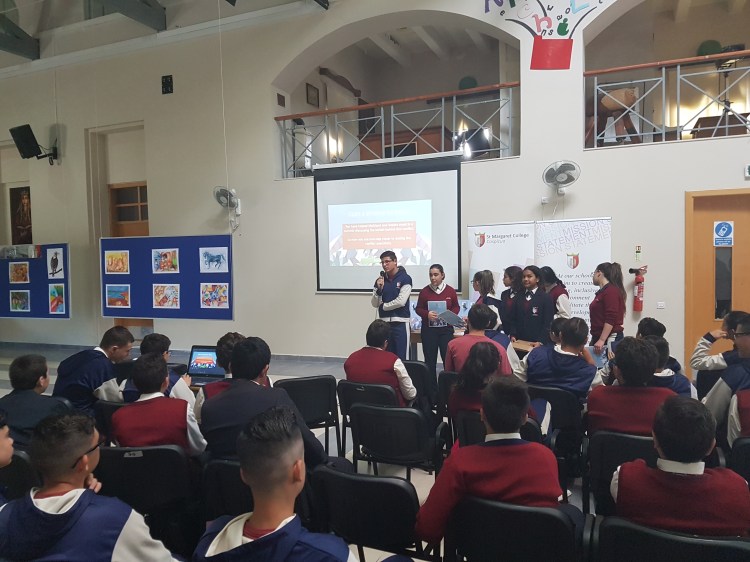
Students are split into 3 groups, each given a sheet of 30 questions which they must seek the answer to in 10 minutes. The answers to the questions could be retrieved from the exhibits set up in our school hall. This helped increase students’ interaction with the exhibition.
After the 10 minutes time were up, participants were called back to the quiz song by John Lennon’s song ‘Imagine’. Each team was randomly asked 10 questions from the original 30 questions. With each correct answer a team was able to open a Peace Window or close a War Window.
Closing a War Window is worth 10 points, while opening a Peace Window is worth 5 points. However if a team opens all five Peace Windows, they get 30 bonus points. Some windows also give bonus points, this helped to create an element of randomness in the game that adds to its excitement.
The team with the most points wins.
The Peace Process
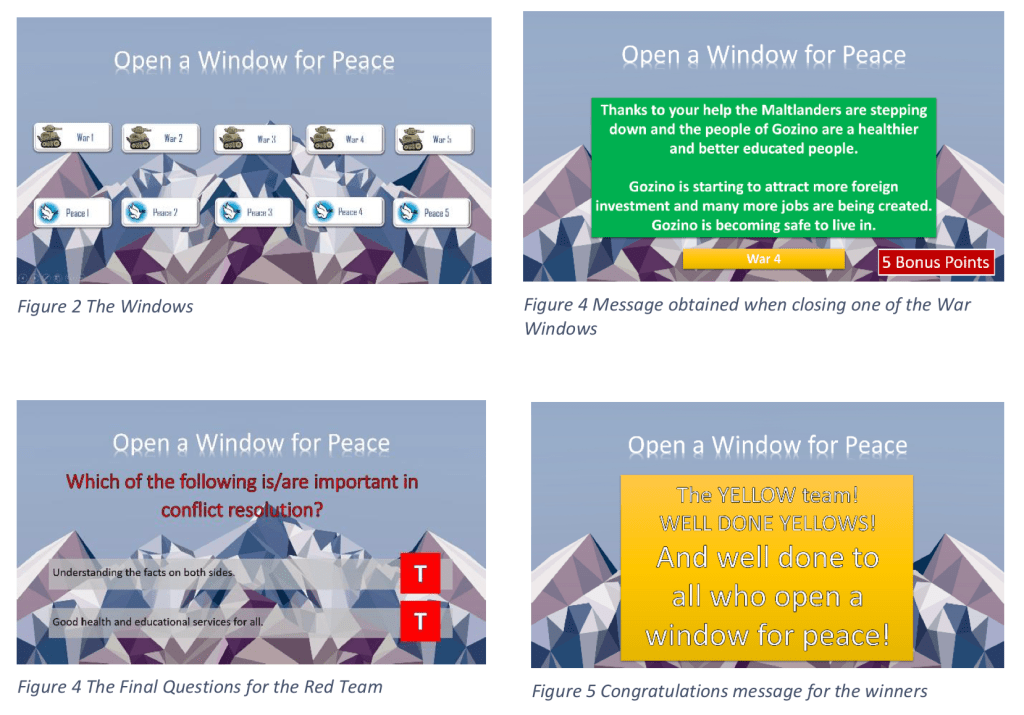
As the players open the five Peace Windows the following messages are displayed:
Peace 1
You have helped Maltland and Gozino meet in a summit discussing the beliefs behind this conflict. So now you are one step closer to ending the conflict peacefully.
Peace 2
You have managed to determine the facts behind this conflict. Maltland and Gozino are now better informed about their rights to the water supplies. You are one step closer to ending this conflict peacefully.
Peace 3
You have helped Maltland and Gozino break the conflict into small issues. It will be easier for them to agree on several small issues than to agree on a big one. Congratulations. You are one step closer to ending this conflict peacefully.
Peace 4
You have led one side to make concessions on some issues and can now look forward to concessions from the other side. Looks like you will manage to resolve this conflict very soon.
Peace 5
You have managed to end this conflict and both communities can now proceed in peace. Peace is precious and fragile…If both countries have a sufficiently diversified economy that will help keep the peace.
As the players close the War Windows the following messages will be displayed, highlighting key steps in establishing peace:
War 1
You have convinced Gozino to cut its defence budget and used the money to invest in the infrastructure that uses water from the water table and reverse osmosis. You are one step closer to ending the conflict!
War 2
You have helped Gozino further cut its defence budget and invest in better health services: providing free health services for all. This will improve the health of the general population and may help lead less people to flee the country. You are one step closer to ending the refugee crisis!
War 3
Both countries have further reduced their defence budget and you have convinced them to invest better in education. Both Maltland and Gozino are launching programs to educate people to use water more wisely. The next generation of Maltlanders and Gozinians will have better prospects.
War 4
Thanks to your help the Maltlanders are stepping down and the people of Gozino are a healthier and better educated people. Gozino is starting to attract more foreign investment and many more jobs are being created. Gozino is becoming safe to live in.
War 5
The water and refugee crisis are resolved. You have managed to end this conflict and both communities will proceed in peace. Peace will be kept only as long as the parties find it in their interests and wills to do so. Peace is precious and fragile…so people like YOU are all important!
To encourage participants to reflect on these steps leading to the end of a conflict, the quiz ends with two Final Questions for each team which involve close-ended questions about them.
Conclusion
This project helped the Students’ Council build on their team work and group organisational skills as it involved various aspects that needed to be tackled within a very limited time window.
Students also grew to better appreciate the many and various elements that contribute towards the escalation of a conflict or the establishment of peace. Students came to see that peace is not established as one big decision but it is in fact a precious and fragile contract that is achieved in baby steps.
And that was only the starting point, because then they set about getting this message across to their peers…
Moving Forward
I feel that when students are involved in creating a well-researched game or activity they are extremely motivated and gain both on an individual and team level. Given the right climate and time allowance they have the opportunity to recognise various skills in in themselves and each other.
Following this project, I tried a similar approach with Verduino @ Verdala and aim to attempt similar projects in future.
This is an example post, originally published as part of Blogging University. Enroll in one of our ten programs, and start your blog right.
You’re going to publish a post today. Don’t worry about how your blog looks. Don’t worry if you haven’t given it a name yet, or you’re feeling overwhelmed. Just click the “New Post” button, and tell us why you’re here.
Why do this?
Because it gives new readers context. What are you about? Why should they read your blog?
Because it will help you focus you own ideas about your blog and what you’d like to do with it.
The post can be short or long, a personal intro to your life or a bloggy mission statement, a manifesto for the future or a simple outline of your the types of things you hope to publish.
To help you get started, here are a few questions:
Why are you blogging publicly, rather than keeping a personal journal?
What topics do you think you’ll write about?
Who would you love to connect with via your blog?
If you blog successfully throughout the next year, what would you hope to have accomplished?
You’re not locked into any of this; one of the wonderful things about blogs is how they constantly evolve as we learn, grow, and interact with one another — but it’s good to know where and why you started, and articulating your goals may just give you a few other post ideas.
Can’t think how to get started? Just write the first thing that pops into your head. Anne Lamott, author of a book on writing we love, says that you need to give yourself permission to write a “crappy first draft”. Anne makes a great point — just start writing, and worry about editing it later.
When you’re ready to publish, give your post three to five tags that describe your blog’s focus — writing, photography, fiction, parenting, food, cars, movies, sports, whatever. These tags will help others who care about your topics find you in the Reader. Make sure one of the tags is “zerotohero,” so other new bloggers can find you, too.



 class4d21st.school.blog