“To survive and flourish in such a world, you will need a lot of mental flexibility and great reserves of emotional balance. You will have to repeatedly let go of some of what you know best, and feel at home with the unknown.” ― Yuval Noah Harari
I would like to focus more on the reflective process in this type of exercise and I need to do this within a framework that is not too time consuming [processing ideas]
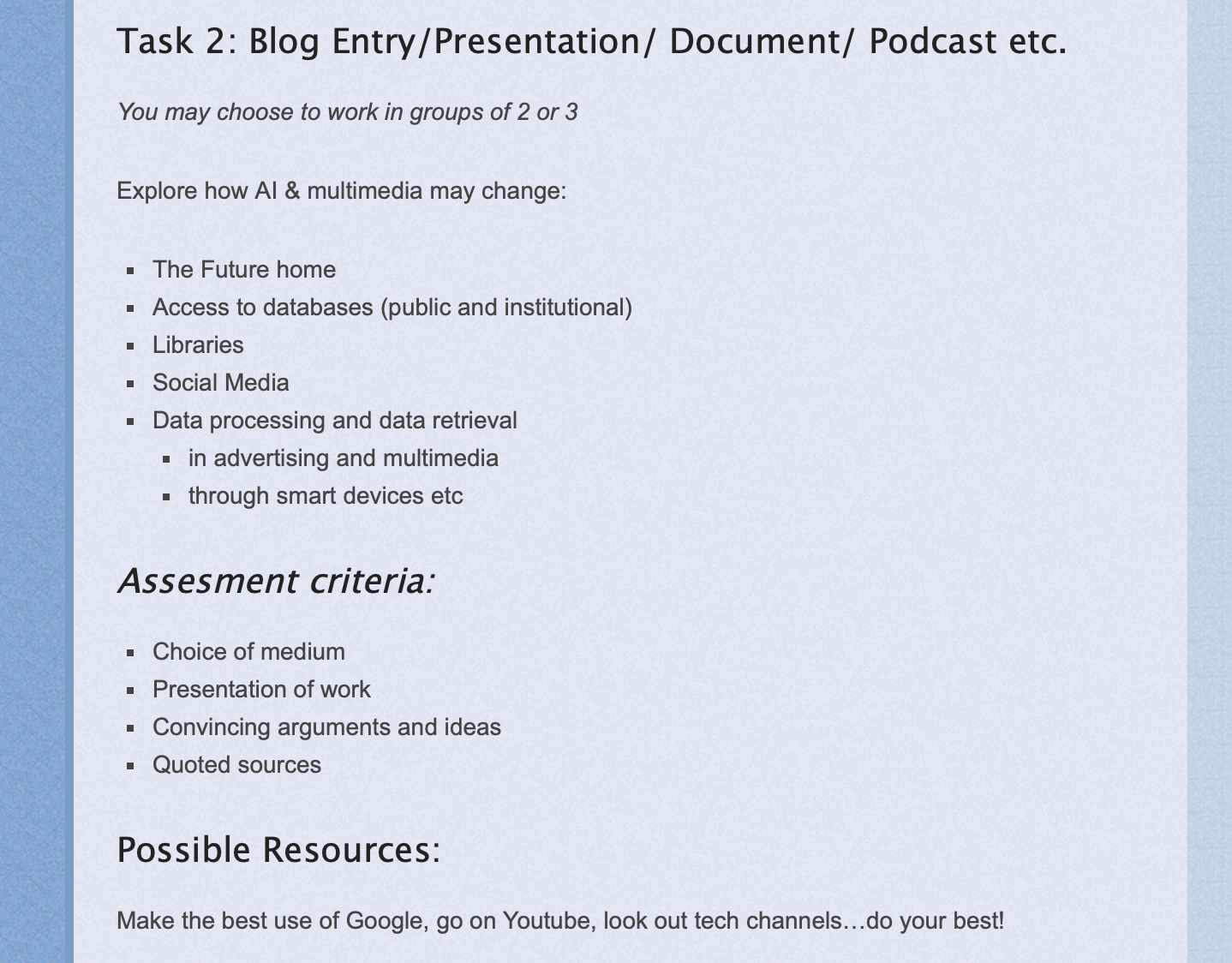
One of my major concerns is helping my students improve at research: facile as it seems, they need to be able to not only find and copy/paste information: they need to be able to filter and apply information to synthesise their own work.
I have tried to engage students with research work in various ways:
I gave a list of assessment criteria: although these were very widely-defined, I think they helped students guage the level of work needed.
I gave some links to start them off: This may get the more reluctant students to start working. Besides, some students tend to associate research with ‘difficult text to read’ and youtube links for instance tended to make the task more approachable.
I encouraged work in groups
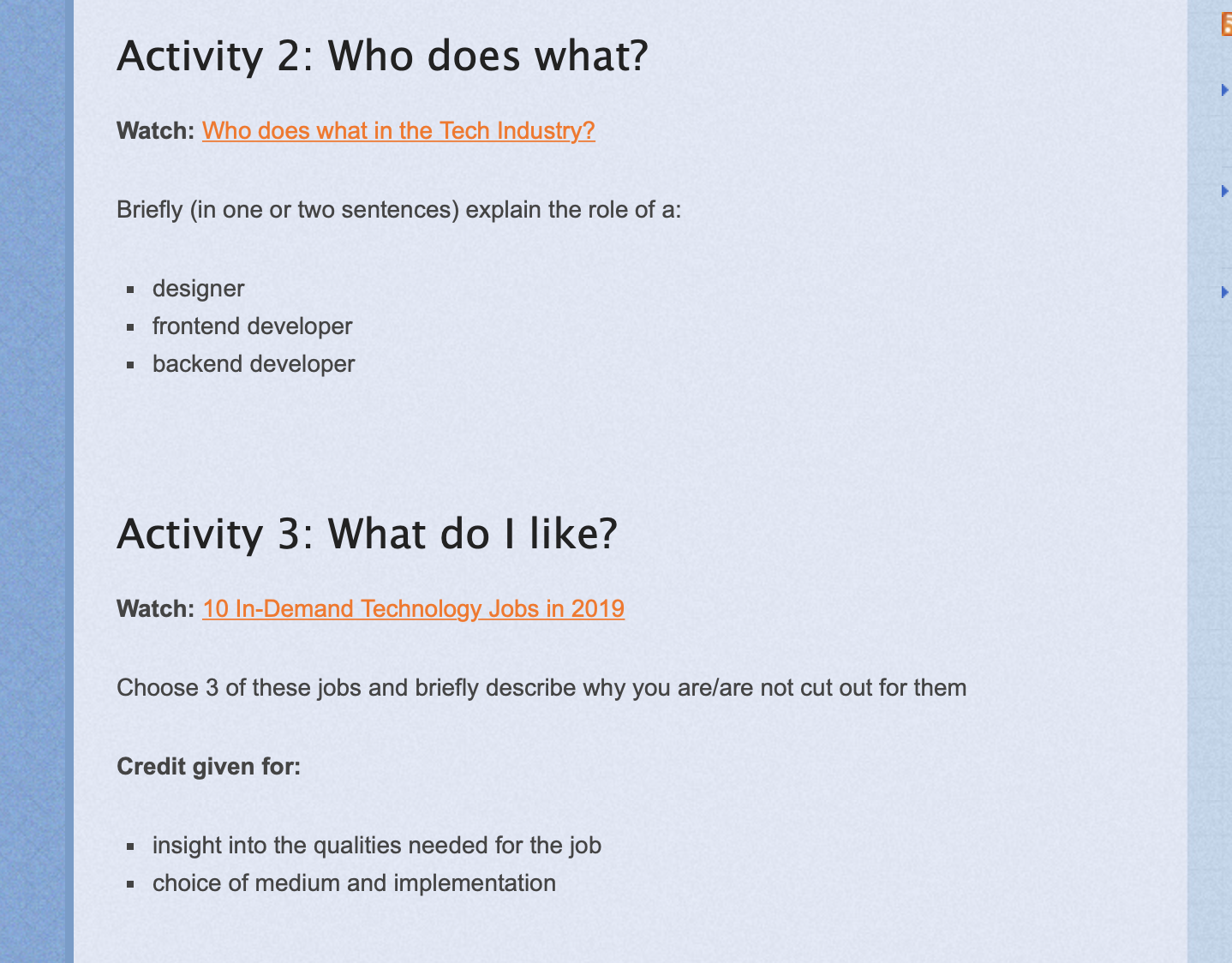
I allowed to choose the medium they want to present their work in: students got creative some even simulating a radio program within which to present their views. This approach also allowed less academic students to workn to their strengths and worked enthusiastically in class – unfortunately this enthusiasm did not extend to the home and they did not continue their good work after the lesson.
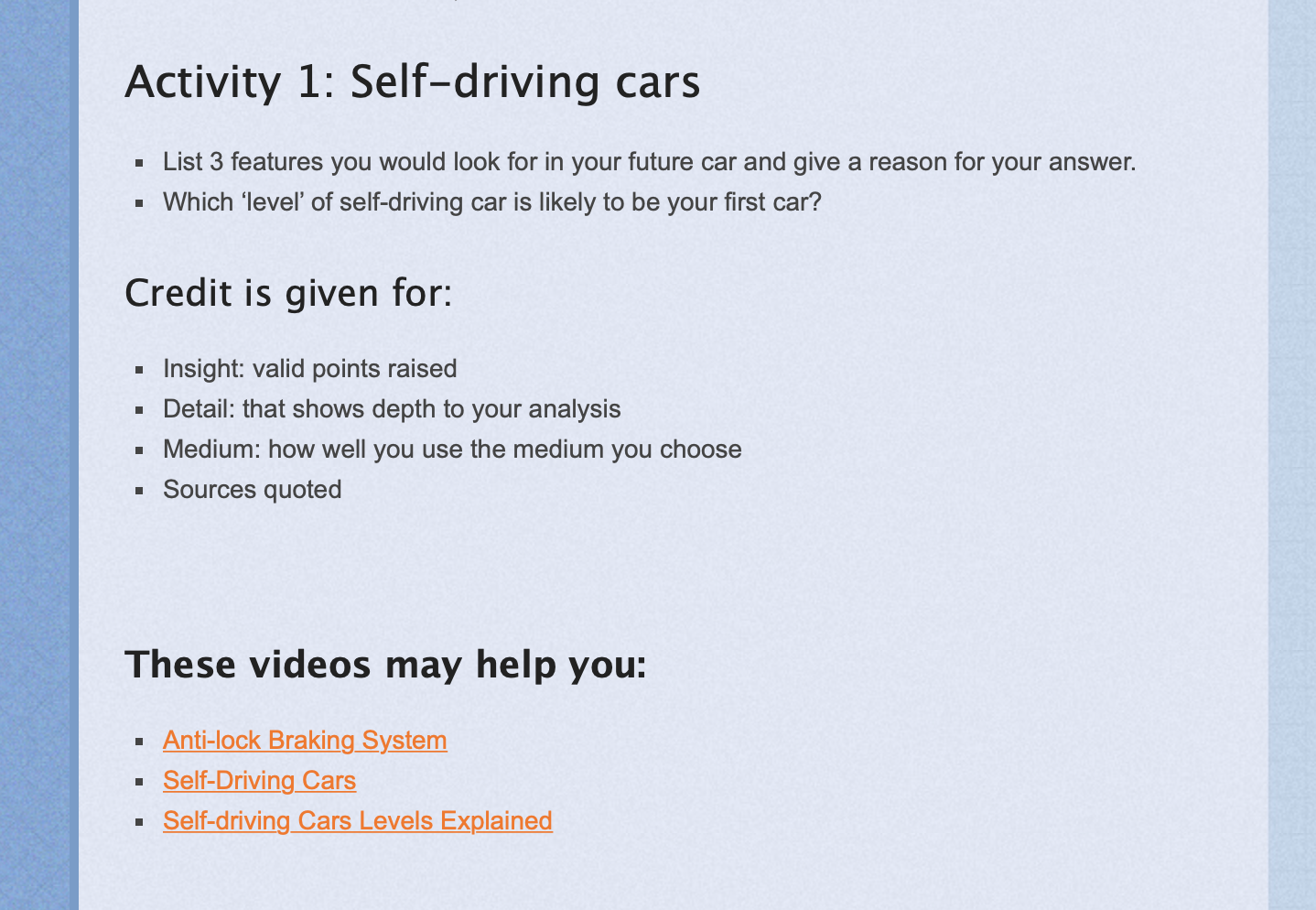
I asked students to relate their research directly to their own life: when I phrased research questions like “Look at the smart cars currently being produced and briefly outline the level of ‘smart’ you will likely get in your first car?” there was greater interest in the research question but not necessarily better work.
Moving Forward
Far too many students simply did not do this work as it tended to be assigned for homework. When this was assigned as classwork, students made an effort, especially when they were provided with links. However this tended to get students to limit themselves to the provided links. Noticeably students preferred video links to text.
The work that was handed in was generally of good to extremely good level but I need to aim at a higher uptake…
I think that providing assessment criteria is key but I need to further formalise and foreground these in order to help students direct their work and to encourage good practice (e.g. quoting of sources)
A teaching activity designed to give just-in-time knowledge can keep learning relevant to a problem being tackled and the sandbox in the early stages of learning can give students the confidence to experiment…and that is essentially the type of learning games provide.
Hence, I like to introduce students to a topic via a game. Often I assign these as home ‘fun tasks’ and find that the self-learning involved is very effective.
CyberSecurity Labs
Some games used are:
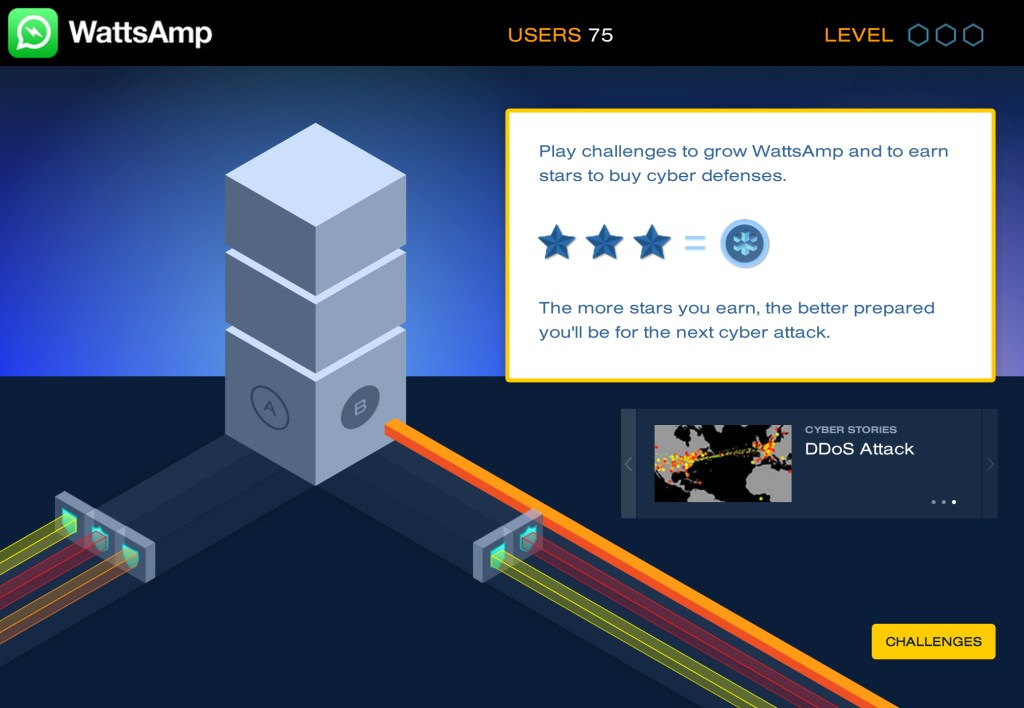
Cybersecurity Labs: a game that excellently covers cybersecurity from a technical point of view.
code.org: activities that are ideal for introducing problem-solving and programming
Circuit Scramble: a smartphone app ideal for introducing Logic Circuits
Getting Feedback
I generally ask students to send me a screenshot of their progress in the game after a certain deadline and then give feedback on the basis of the level they’ve reached.
Moving Forward
I would like to add to my arsenal of such games to help teach more topics.
More importantly, I would like to create more of a ‘conversation’ round the game progress, we could have an online discussion based on target questions about the game. Participation in this discussion could be against points e.g. on Save Silicon Valley.
Our blog runs in the background of our lessons and activities. It is very much the class notebook and has many functions:
It is a very useful tool for mixed-ability learning as it allows one to make a variety of activities available to students, creating a more flexible lesson;
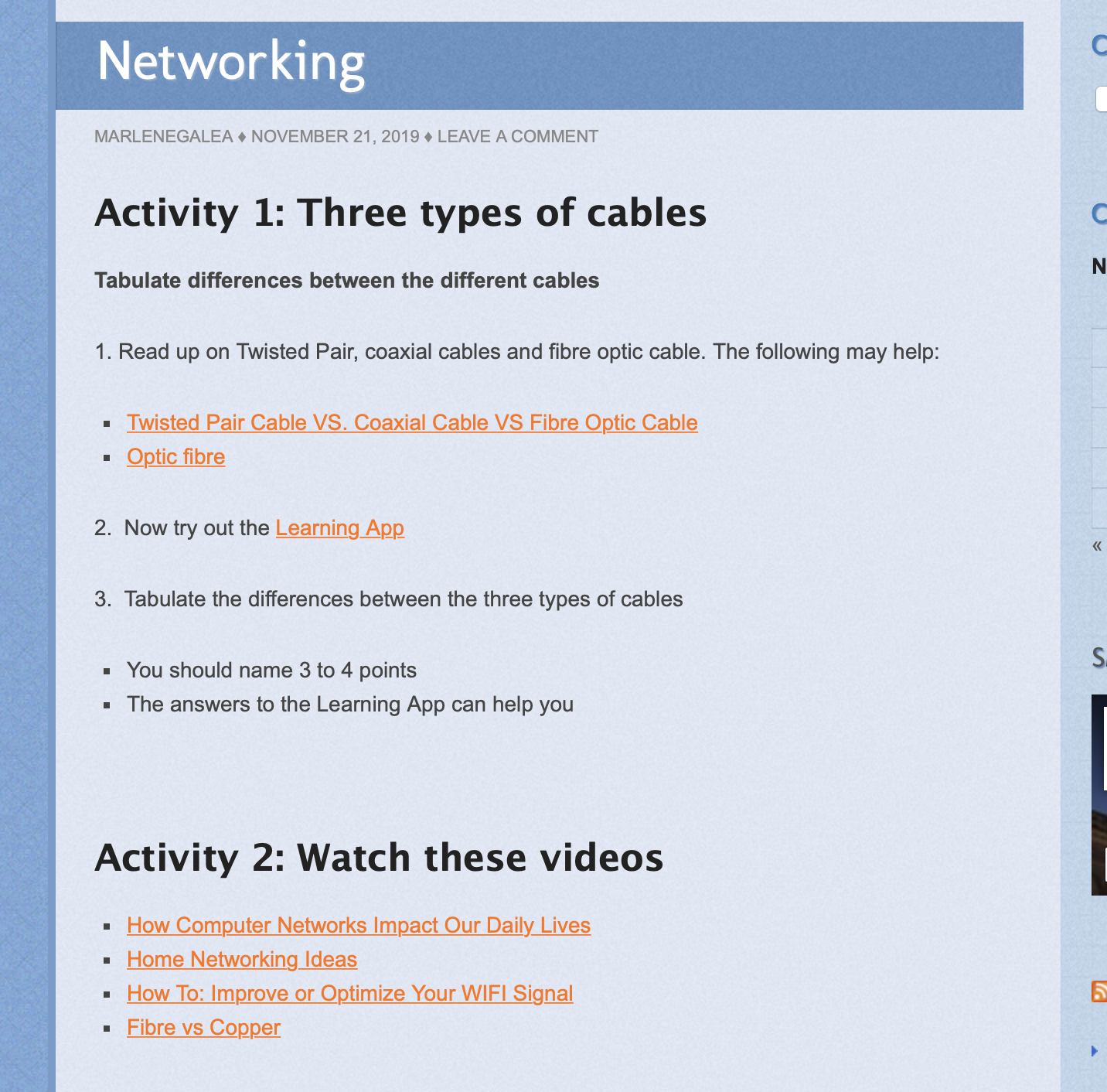
It provides students with links relevant to our class activities;
It provides resources that students might need;
It lists assignments, deadlines and important dates in our calendar;
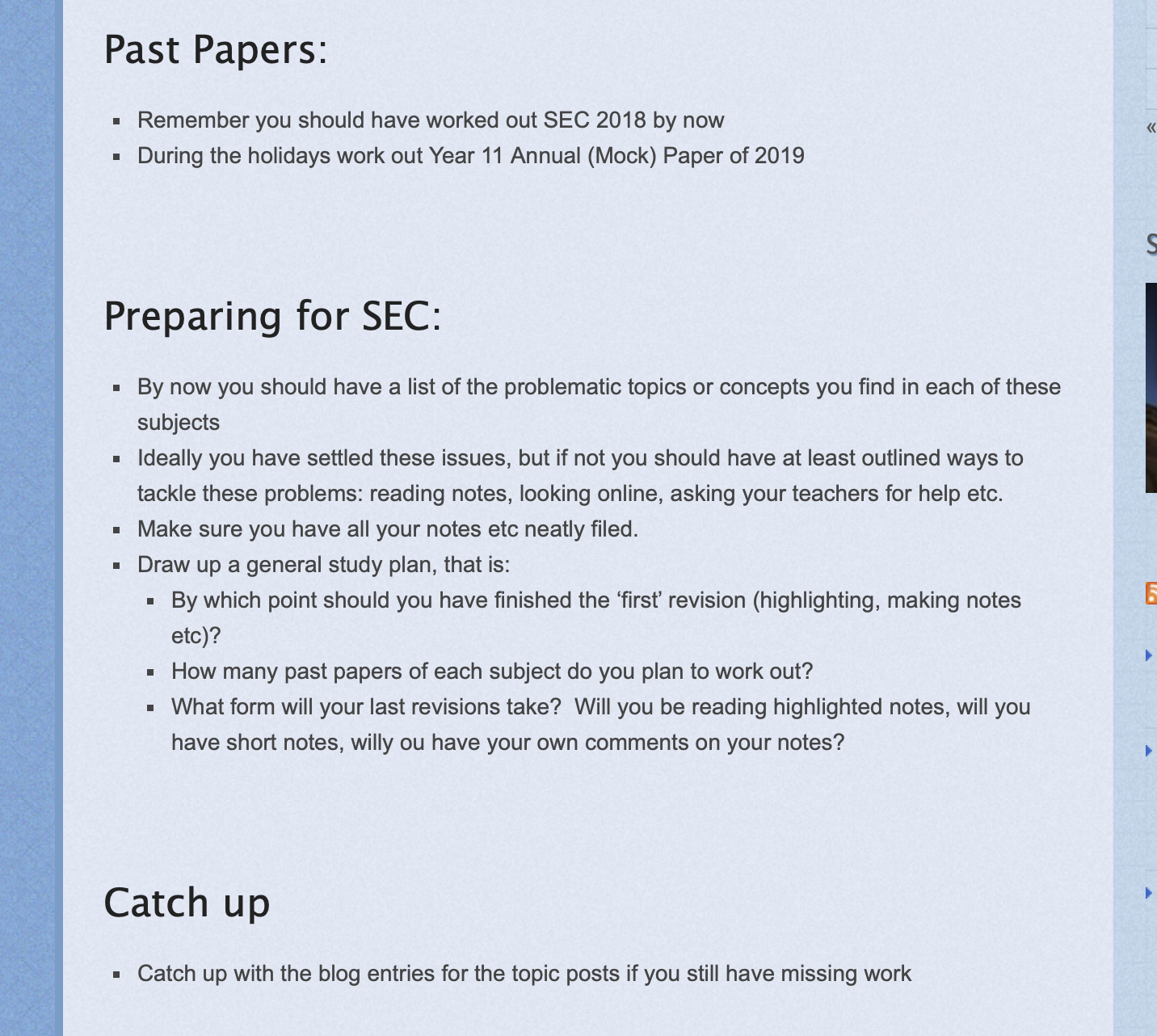
It helps direct students’ study work with study suggestions etc.
Moving Forward
I would like to have students interacting with the blog with comments and queries, however this culture has never taken on.
I don’t do enough peer reviewing and the main reason is that I am apprehensive of the impact it could have in a mixed ability group.
I felt more comfortabel using it in a pull-out session for students who opted to participate in a coding competition. These students were ‘academic peers’ and I thought this could create a less threatening environment for this activity.
Students first presented the app they had coded to their peers and the latter briefly tried it out, asking the creator questions about it and proposing edits. Then each student filled in a feedback sheet on each app.
Critical Reflection
I was very impressed by how much students learnt from each other through this exercise, asking each other about how they did this or that or suggesting improvements to each other’s apps.
The feedback given was also very apt and evidenced reflection. Students also were very pleased to receive such feedback from their peers and sought to act on it.
During the session one student told me: Miss I feel like a judge on ‘The X Factor’…look at us, we’re doing ‘The Code Factor’!
Moving Forward
The success of this exercise highlights the validity of peer review and I’d like to find a safe way of implementing it more in a mixed ability group.
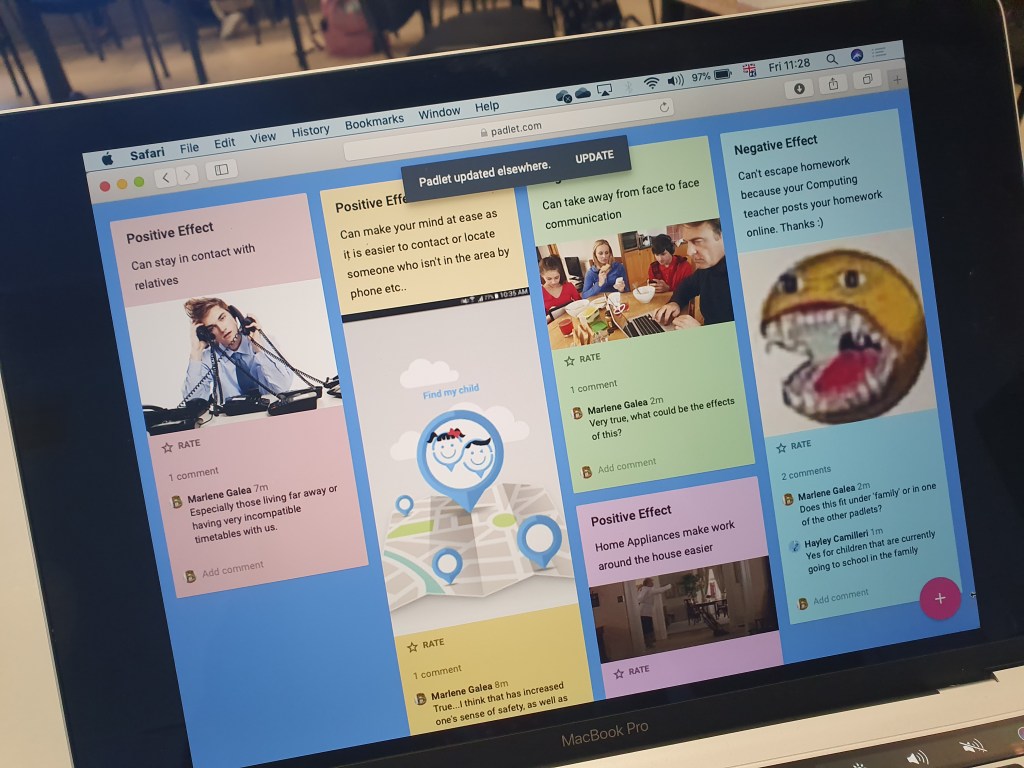
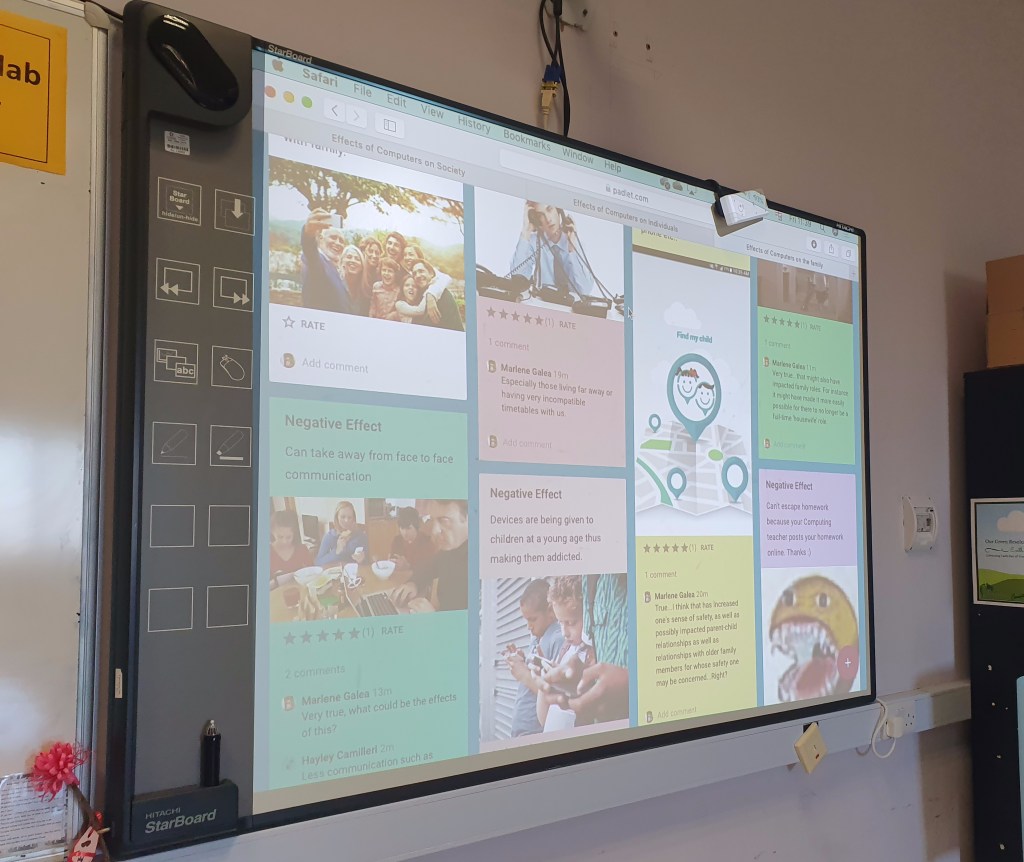
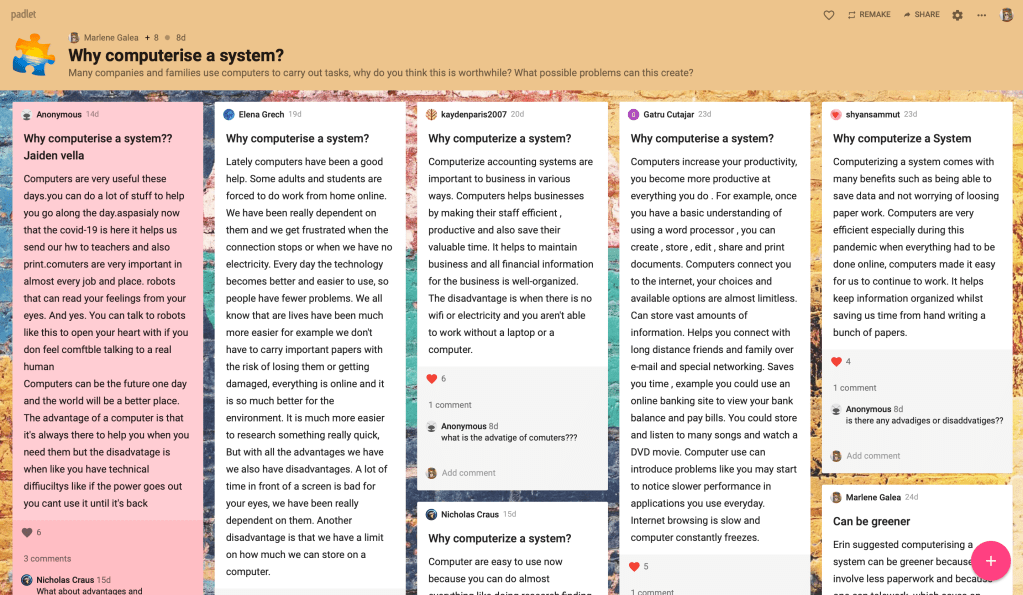
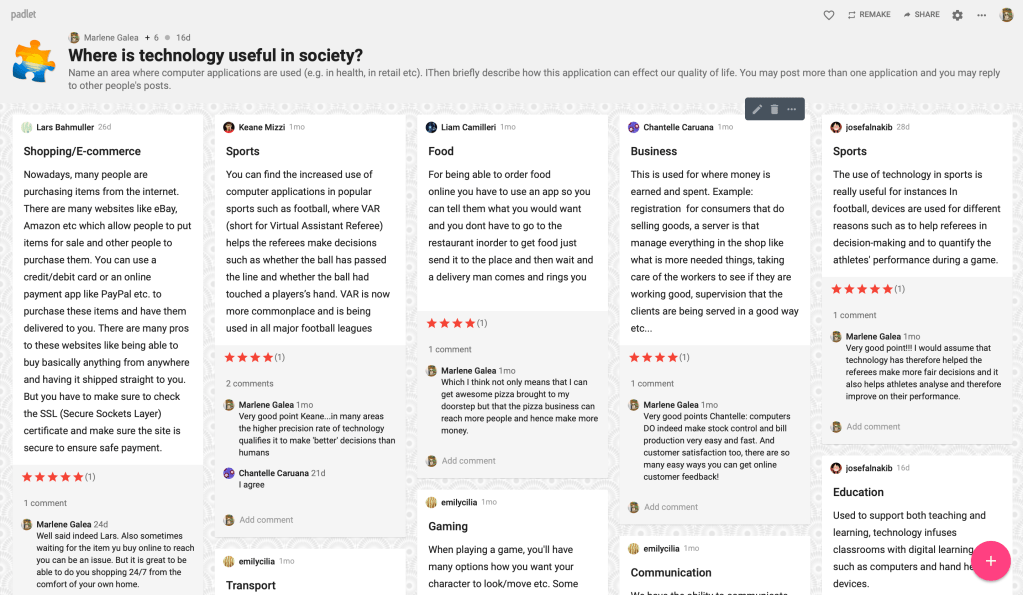
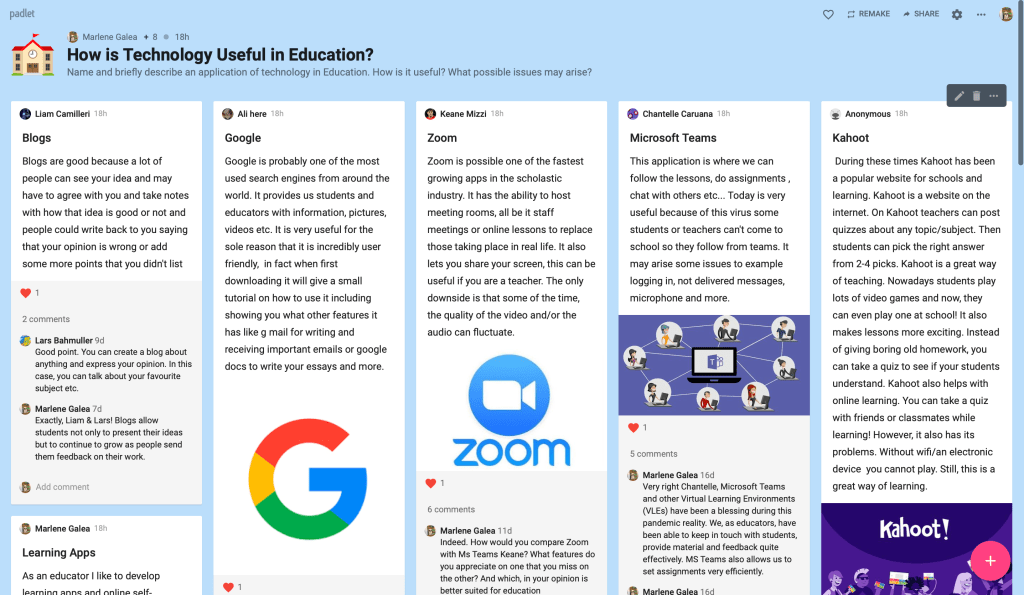
Some months ago, I decided to use a Padlet-based discussion for a Year 11 topic tackling the effects of computers on society. I expected this to be a topic on which all students had points to share and focussed on creating a discussion where all students had the possibility of sharing their points.
Padlet offered the perfect environment for this, as it allows for students to answer a question, answer each others points and also rate different comments. It also allowed me to give feedback to students as they worked, eliciting greater details or deeper reflections on their points.
Padlet provided us with a very attractive and easy-to-manage interface for interacting with each other’s deas
The Lesson
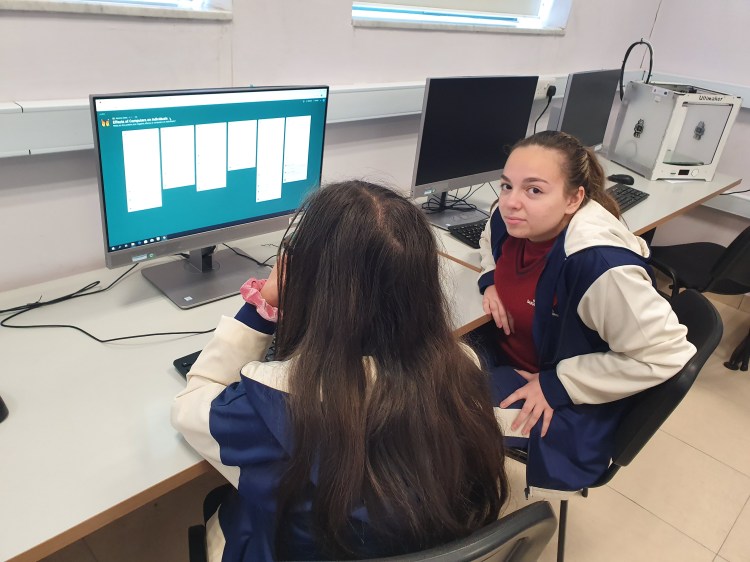
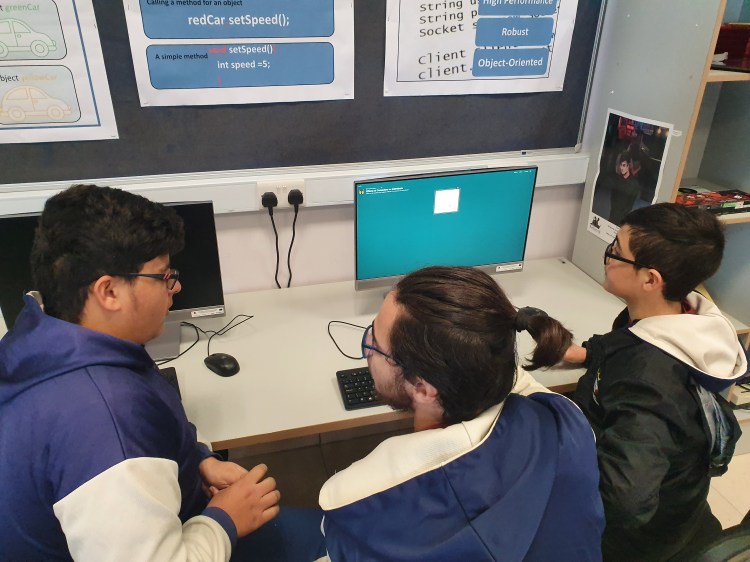
Students were introduced to the task and very briefly to the padlet interface before they set to work in groups of two or three. Each group started by tackling a different question and then moved on to tackle the questions assigned to other groups as well as react to and comment on theur replies.
As the lesson progressed, I myself was leaving comments on their work, adding reflections to their points as well as asking questions to take the discussion deeper.
Critical Reflection
The lesson was a major success. Students were very engaged with the arguments and the fact that I managed to give immediate feedback helped elicit better and better arguments and deeper reflections.
As part of my lesson review, I asked students what they thought of the medium and they expressed great enthusiasm for such a lesson structure, noting how it helped them come up with really good ideas, discuss with others AND really enjoy themselves.
We also reflected on the utility of this structure for group study discussions as well as possible group work.
In this respect, the lesson contributed to our ongoing discussion of positive applications of the internet and social media and preparation for post-secondary education.
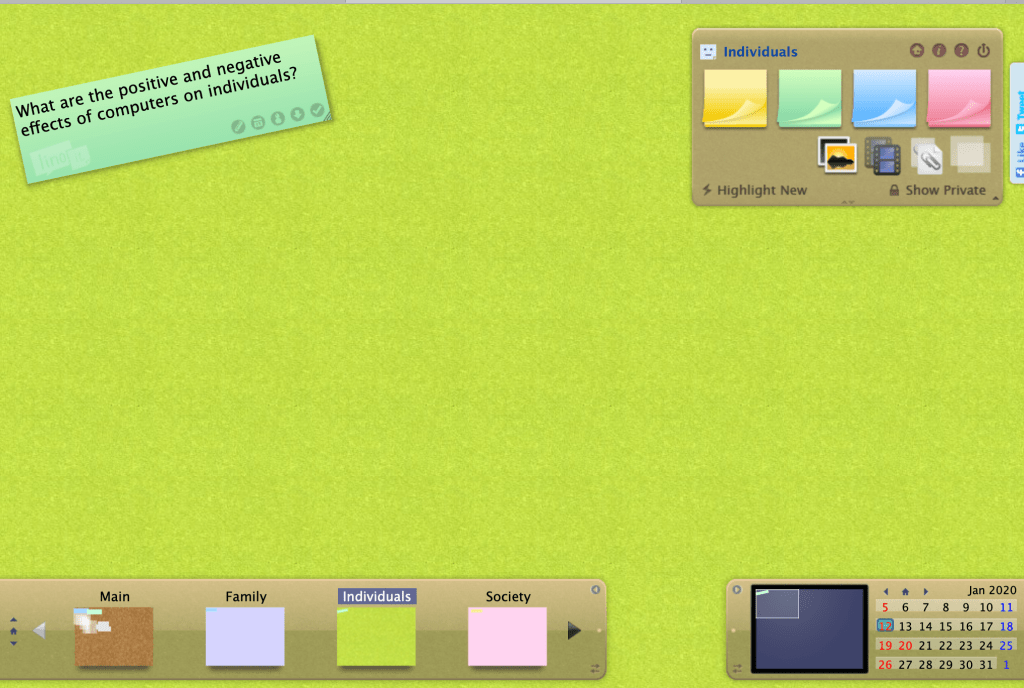
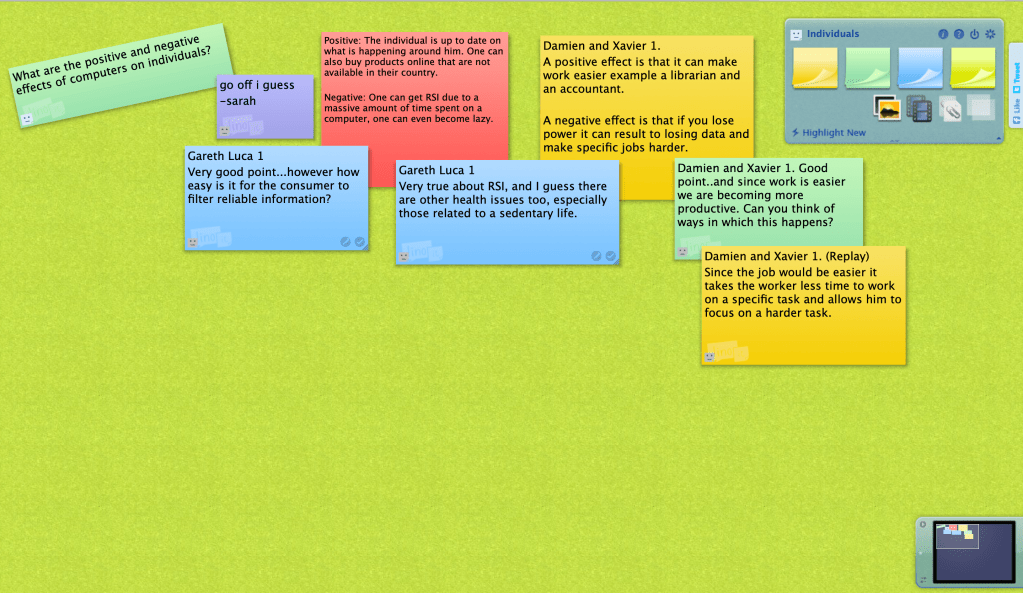
The linoit interface might result in a more chaotic dialogue.
Moving Forward
Padlet currently allows only 3 boards when one has a free account, the rest of the service is against payment. This is justifiably so, given the vast and sterling service Padlet offers.
Although I find it somewhat inferior, lino (linoit.com) might be a free option that’s worth considering. When I tried it out, students commented favourably on the interface, but it was not as clear cut or easy to react to each other’s ideas as Padlet. Perhaps when implementing Lino, one could agree on colour-coding message threads so that replies to a given thread might be in the same colour etc. in order to make the discussion clearer.
It would be nice to find something similar and free that I like as well as Padlet.
However, for this year I have felt it worthwhile to obtain a paid subscription to Padlet as it allows me to introduce a much-needed element of interactivity to recorded lesson as well as a way to bring our vulnerable students into classroom conversations.
Such discussions are sometimes an end in themselves and sometimes a warm-up to another activity (E.g. a student assignment). The Padlet structure allows me to give ongoing feedback to students’ points and so help them improve their responses, as opposed to giving a final end-of-assignment assessment.
Using Padlet to bring an element of interactivity to recorded lessons
Resources
One may wish to look at other alternatives in this article on Padlet Alternatives
This has been one of the simplest of ideas to get basic feedback on how students feel about the lesson and that has in my opinion helped improved learning in my class. The whole idea is that at the end of the lesson each student hands in one of these feedback sheets with one of the emojis coloured in.
The language is simple:
The smilie means you understood the lesson and think you can handle questions about it.
The second that you feel you’ve understood but probably couldn’t handle questions on the topic without help.
The sad face means you don not feel confident you have grasped most of the material.
This gives me a clear indication of which students need more attention in a follow-up lesson. At times this feedback determines students seating or calls for a quiet chat with the student to better identify his needs.
Moving Forward
I have considered various alternatives to this feedback method, but a key consideration is sustainability: I need a feedback method that is cheap and easy to carry out without impacting lesson time.
Also in a mixed-ability group I think that it is important for such feedback to not be given in front of the whole class.
One awesome thing about having internet-enabled devices at hand is that it is so easy (and affordable!) to implement a ‘take your own route to making it’ approach to assessment, allowing students to work their way towards correct answers without being penalised for their mistakes on the way.
Of course the element of trial-and-error necessitates that this not be the only method of assessing the learning taking place but I do find it a very valid way forward as I teach a topic.
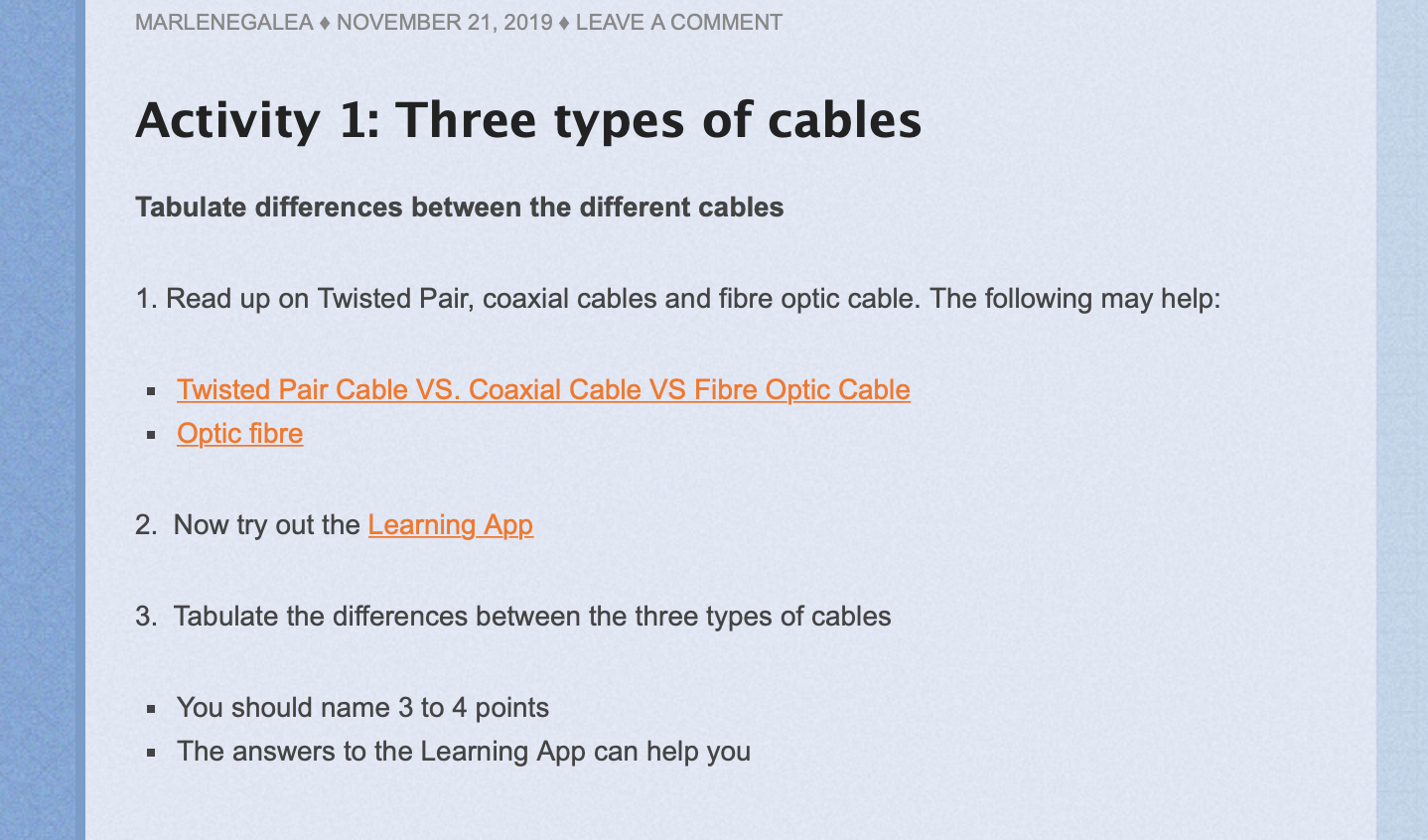
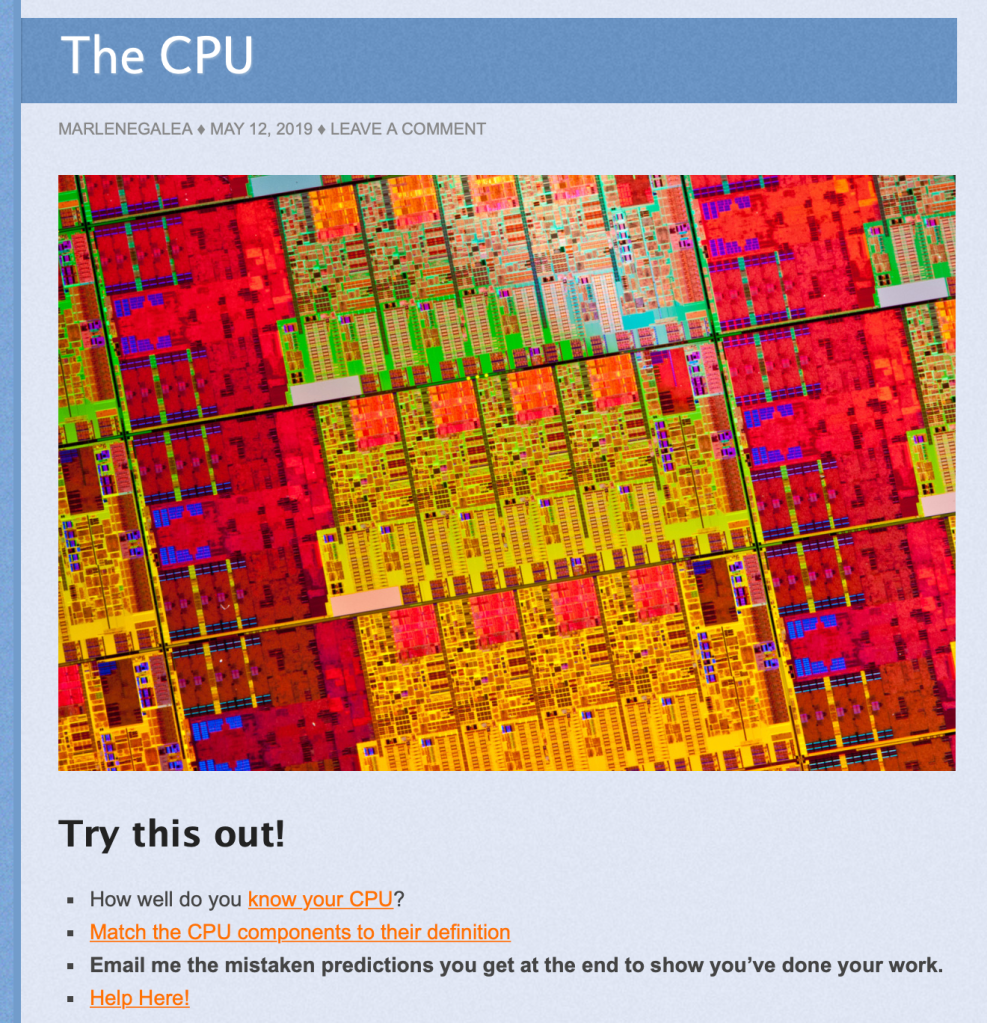
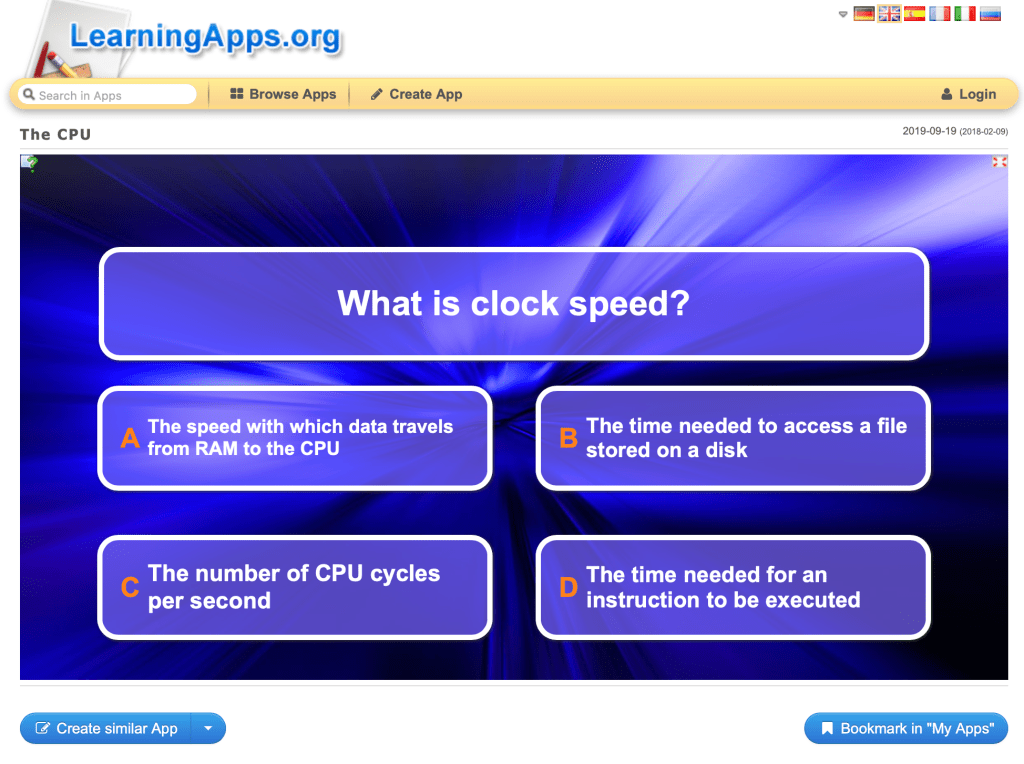
As a case in point here is a blog entry that covers the topic on The CPU, a topic students often find challenging.
Online Learning App
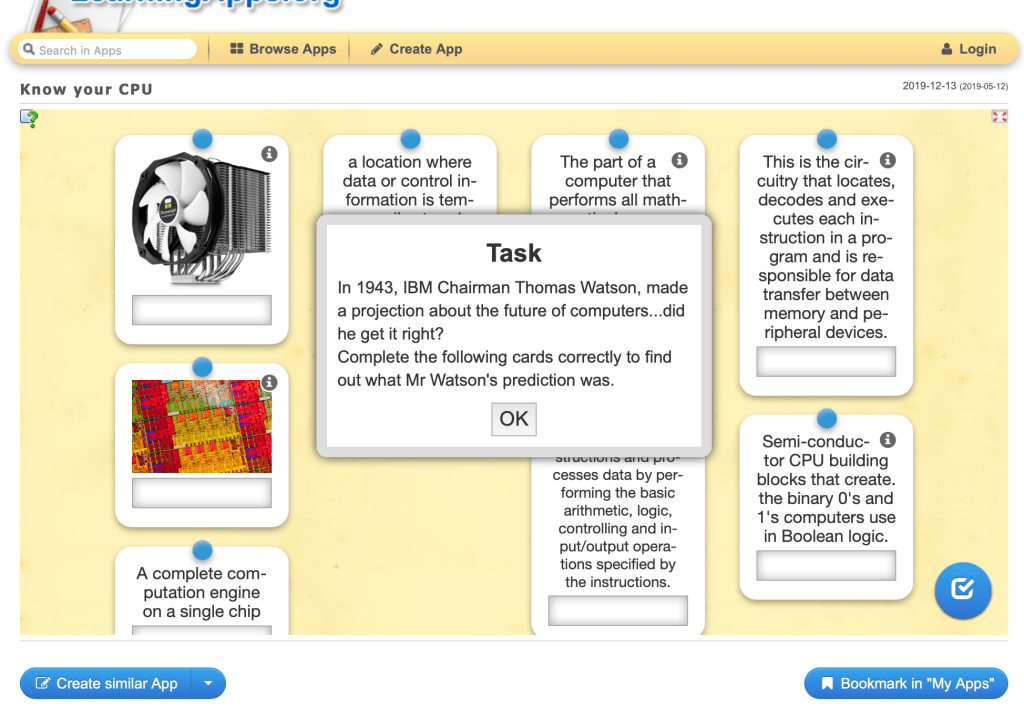
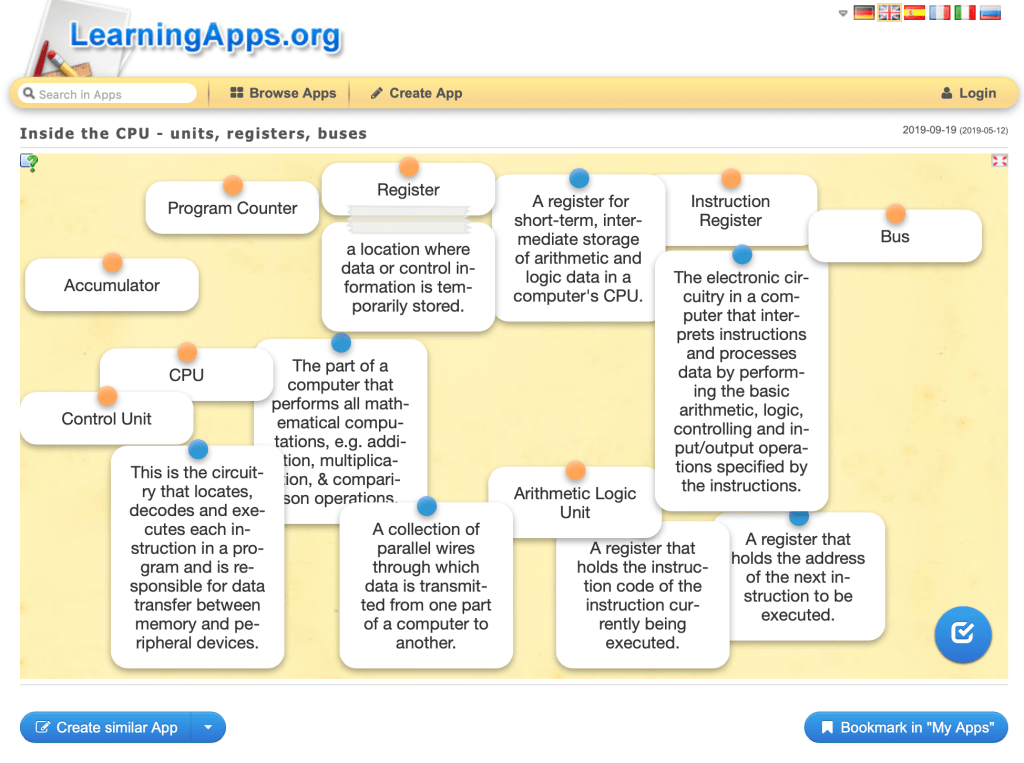
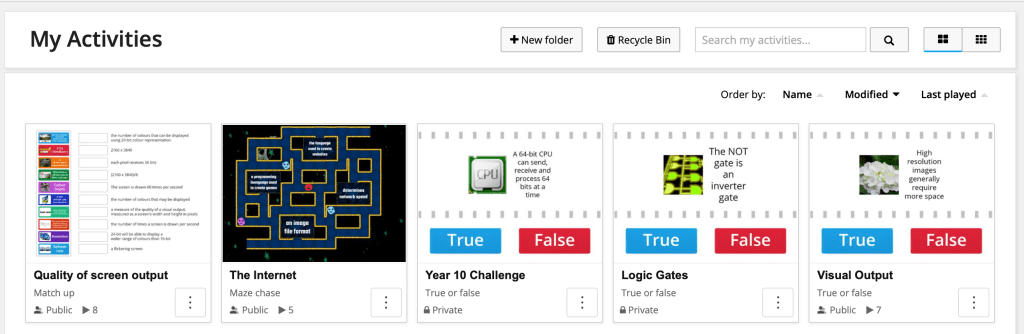
Their online nature gives these apps a clear advantage over physical worksheets as it allows students to carry out a self-correcting exercise, get hints if needed as well as retry the exercise later on.
After a topic introduction that is mainly teacher-centred, students try out an interactive learning app.
Those who need extra help can ask the teacher for the password to the hints.
Once students get all answers correct they get the answer to the curio-point that the exercise starts off with. All they need send the teacher is a screenshot of that answer as proof of completion.
Learning App 1
Learning App 2
Differentiated Learning
Since option classes are generally mixed ability, one greatly appreciates the flexibility afforded by technology where more challenging material and tasks may be set to students according to their level
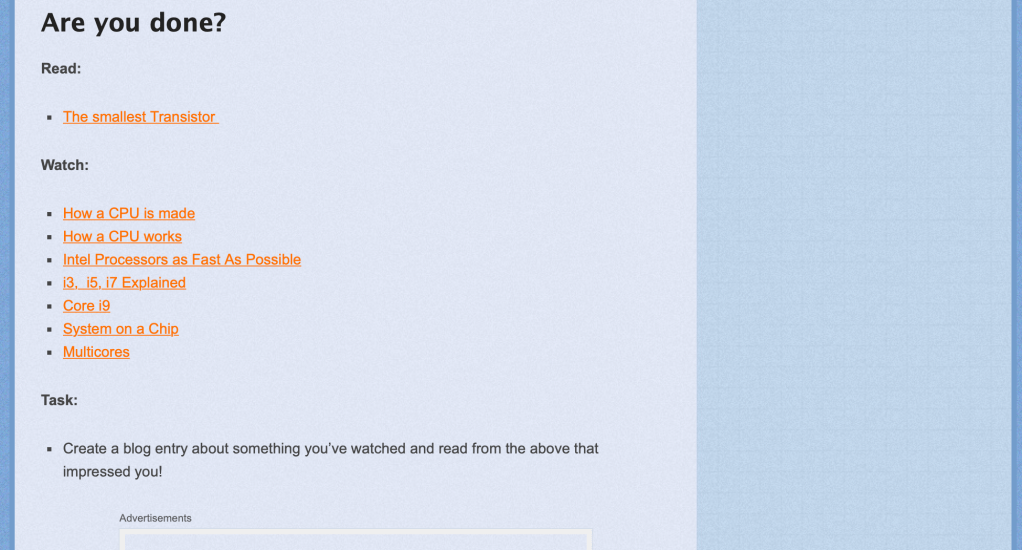
Further Exercises
Gamifying Homework
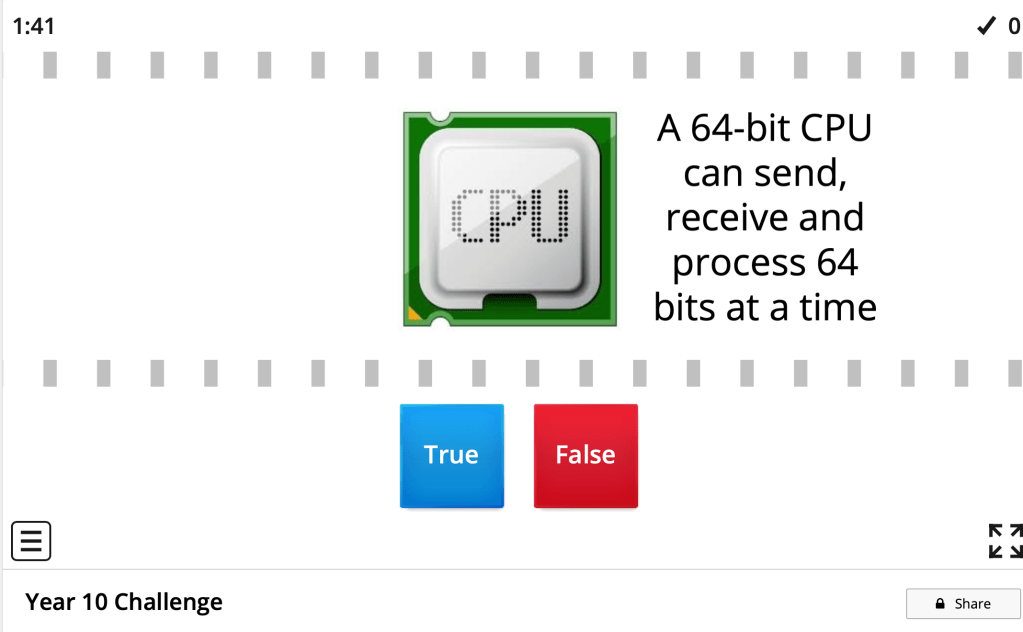
The assigned homework for this topic was a ‘Who Wants to Be a Millionnaire’ game where students had to play till they win and then send the teacher a screenshot of their winning screen.
This could have been a class exercise where students race against time to become the first millionnaire in class, but I felt that while more fun this would have less of a pedagogical impact as the strength I saw in the “Who Wants to Be a Millionnaire” game structure is that weaker students get to practice more until they win.
Critical Reflection
I apply this methodology in many of my lessons and greatly appreciate the flexibility this set up gives me even while actually delivering the lesson…for instance soemtimes I edit hint sections on the fly as I realise I had misjudjed the level of my students during lesson preparation.
I have learnt that even if the teacher moves round students as they work, some form of concluding comments and/or discussion needs to follow such exercises to gauge comprehension.
Moving Forward – Wordwalland other platforms
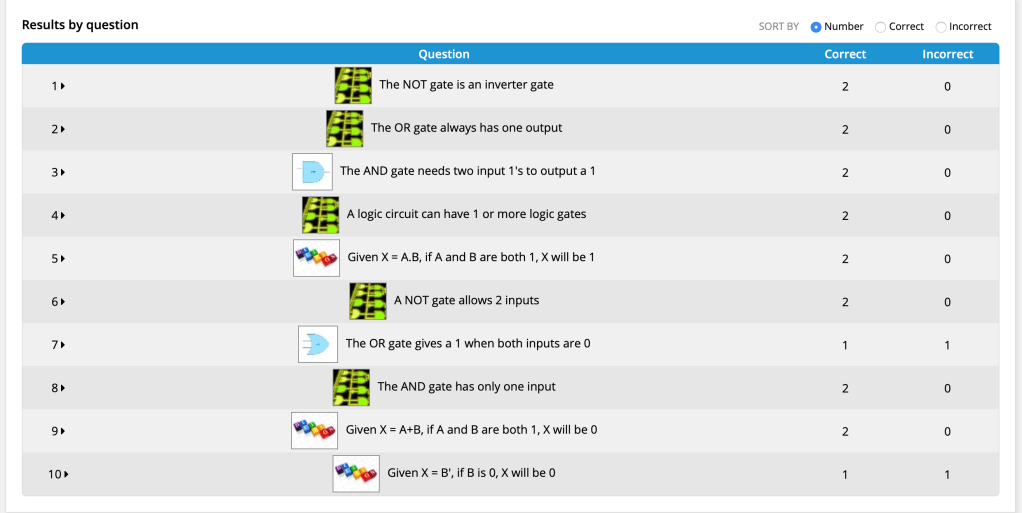
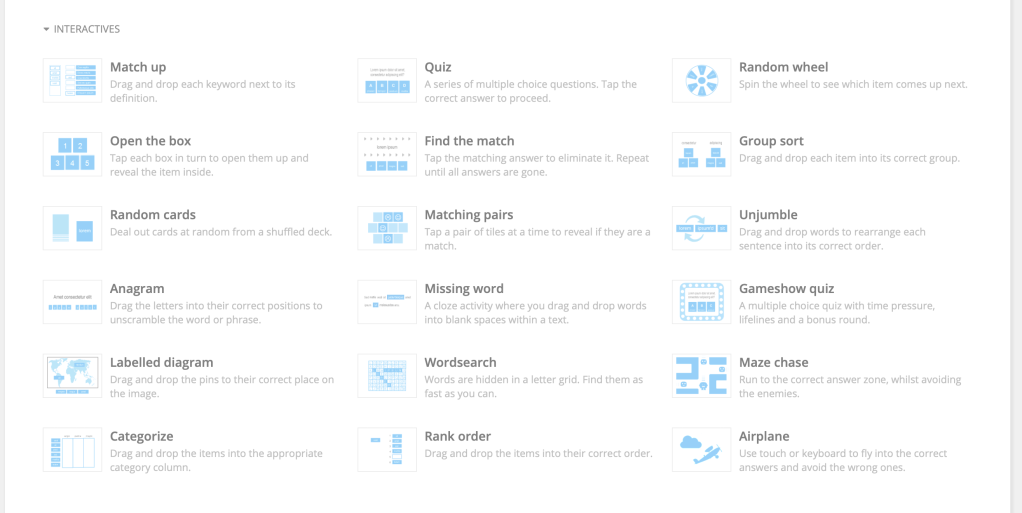
Platforms similar to LearningApps.org, like Wordwall offer interesting alternatives.
Wordwall in fact offers extremely attractive app interfaces, although only the first five apps can be created for free. However the added functionality (including performance reviews) available on Wordwall might make getting a subscription worthwhile.
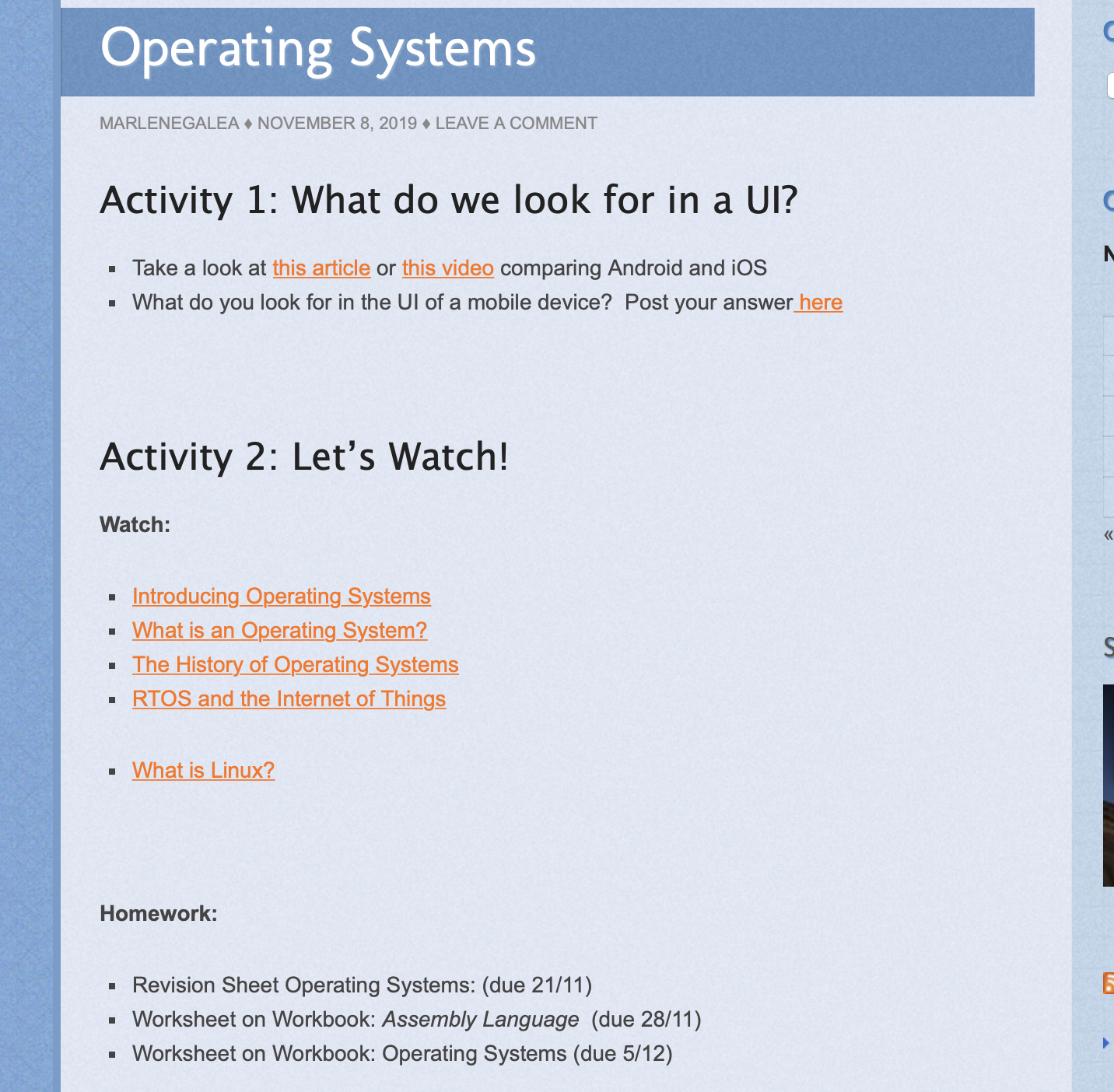
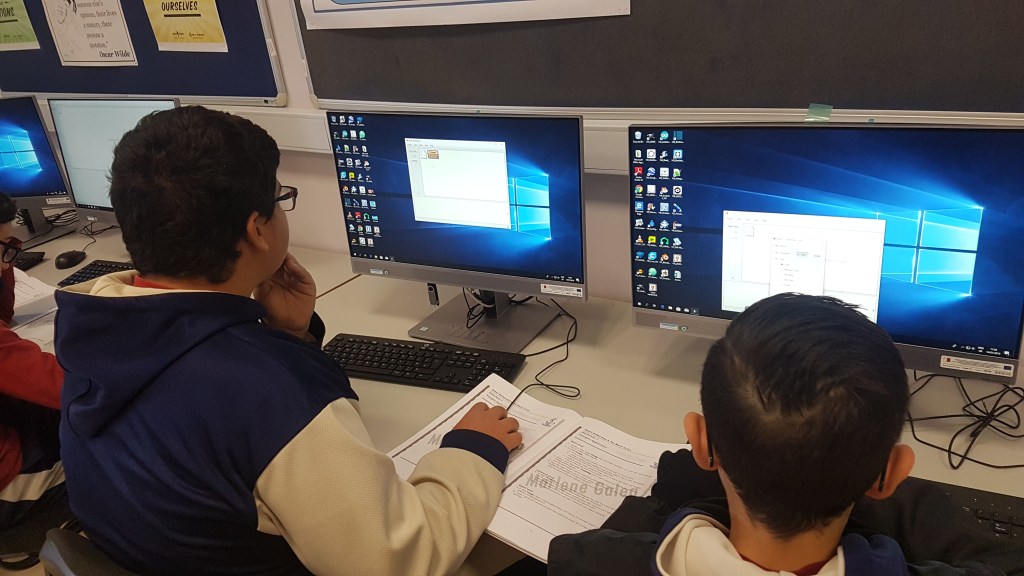
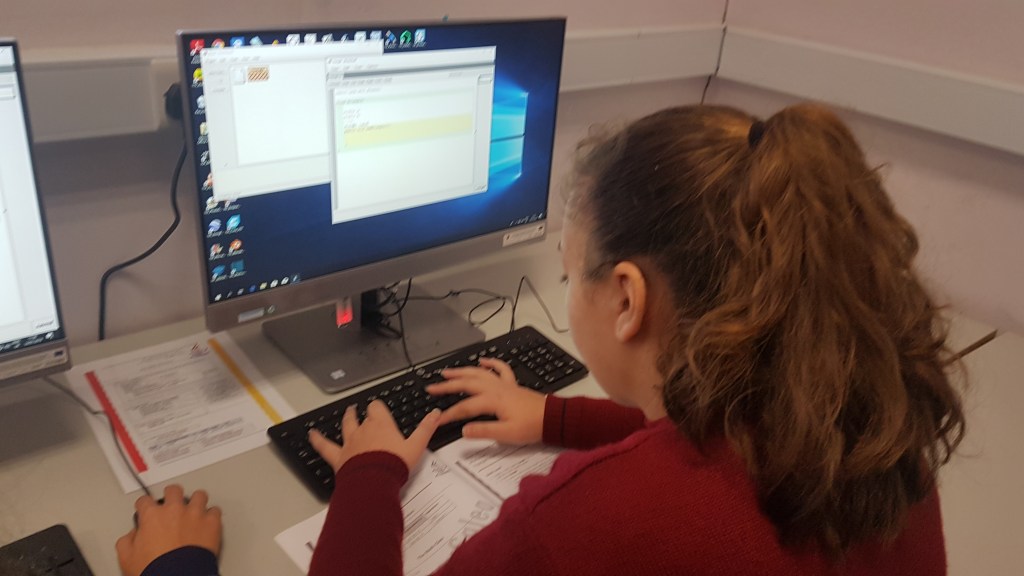
Teaching coding to a mixed-ability group can be very challenging. However our blog allowed me increased flexibility as outlined here.
Providing resources for self-learning
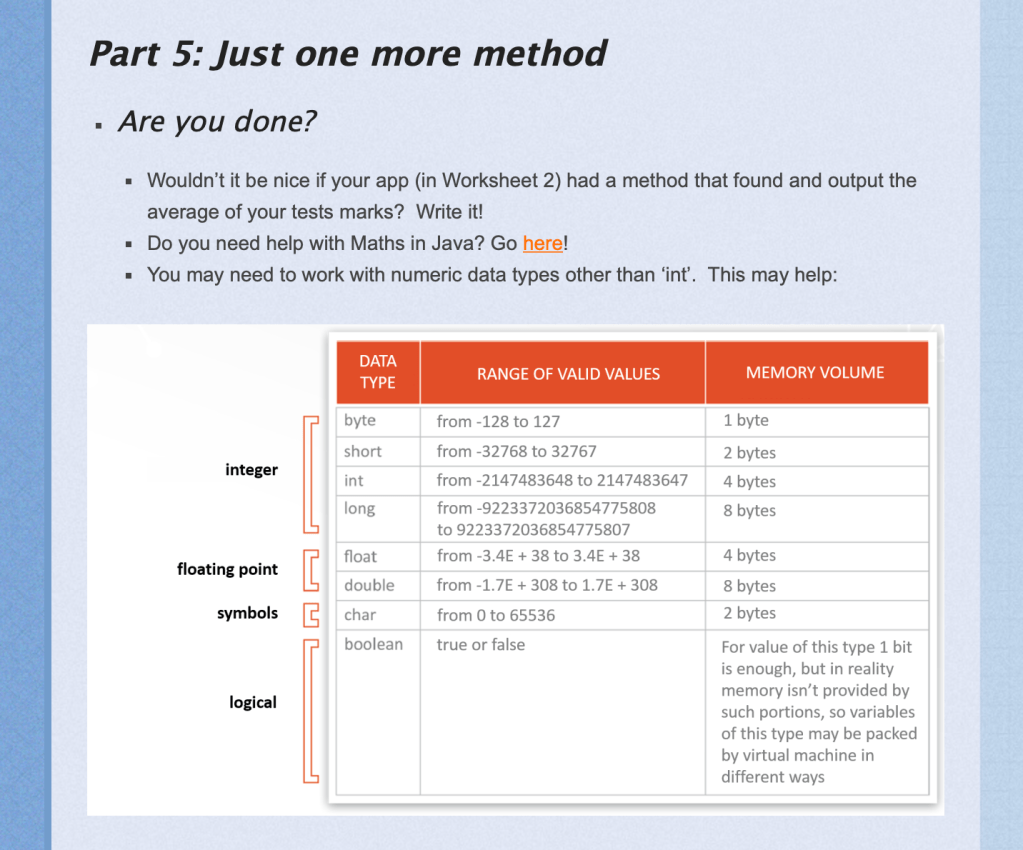
Links and material on the blog entry allowed students to go further than our lesson
Self-learning is not only a 21st century skill but a particularly key skill for any programming. This lesson structure allowed me to encourage self-learning in my students, started from the very directed help as shown above to the eventual more generic ‘Why don’t you ask Google how to do that?’
Differentiated Learning
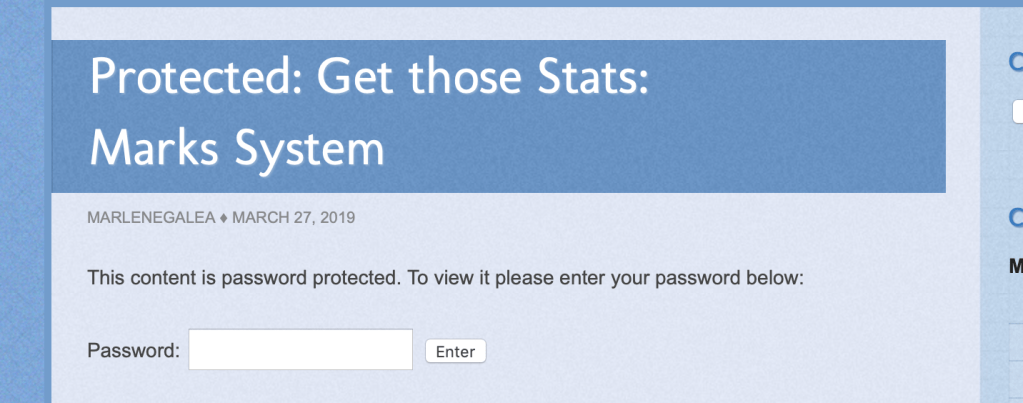
It allowed one to provide individual levels of support to different students: assignments often had further help available. This further help was passoword protected and student were aware that the password cost them a percentage of the marks.
Providing just-in-time help
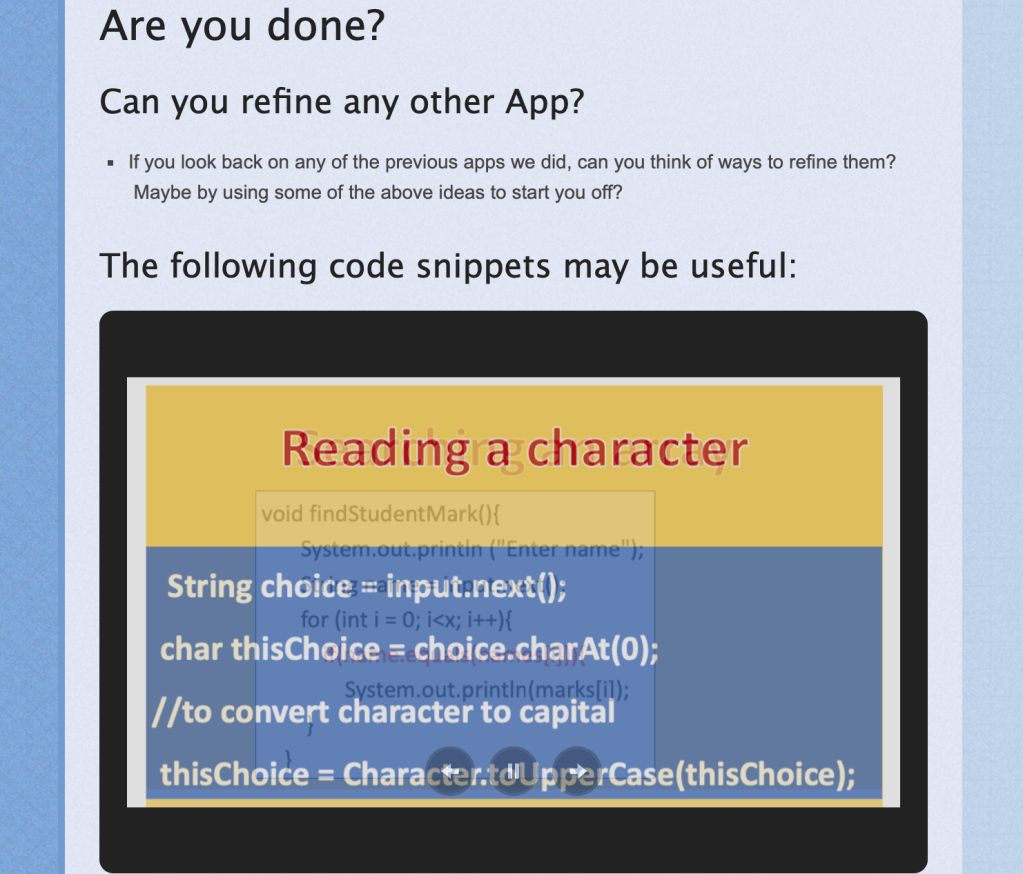
Often, I made certain resources available at the start of a lesson and then uploaded further resources according to students’ need. This had various advantages, for instance it allowed students to engage more in discovery-learning and in coming up with creative solutions as certain help (E.g. flowcharts) was generally only uploaded if I realised too many students were getting stuck; at other times I added further challenges or posted help to new challenges some students set themselves.
Encouraging student creativity
At first students were given a problem to solve and allowed little creativity except in the final refinements of the application as shown in this blog entry.
However as the lessons progressed I gave students more and more leeway in determining what they worked on, which helped not only keep them motivated but aptly prepared them for coming up with their own idea for their coursework.
Because I could provide help as the need arose, I could encourage students to do more diverse projects as I could use the blog to provide links or resources different students needed.
Another case in point would be the lesson behind this blog entry were students who were still fairly new to coding developed a simple game, with each student choosing a different topic.
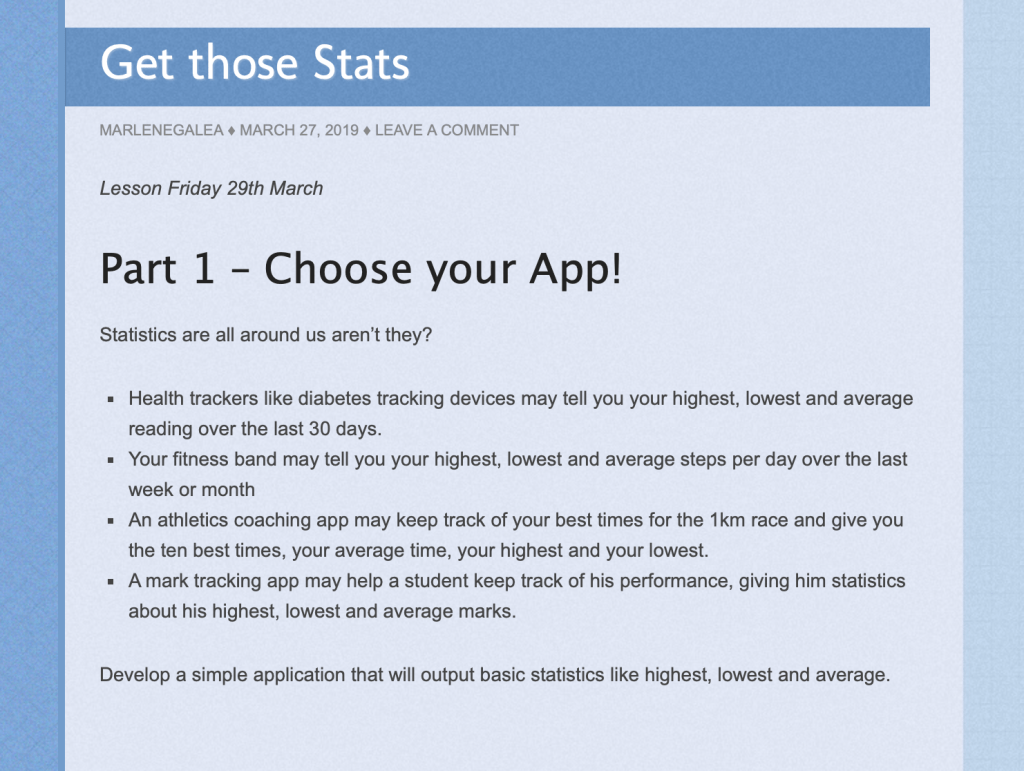
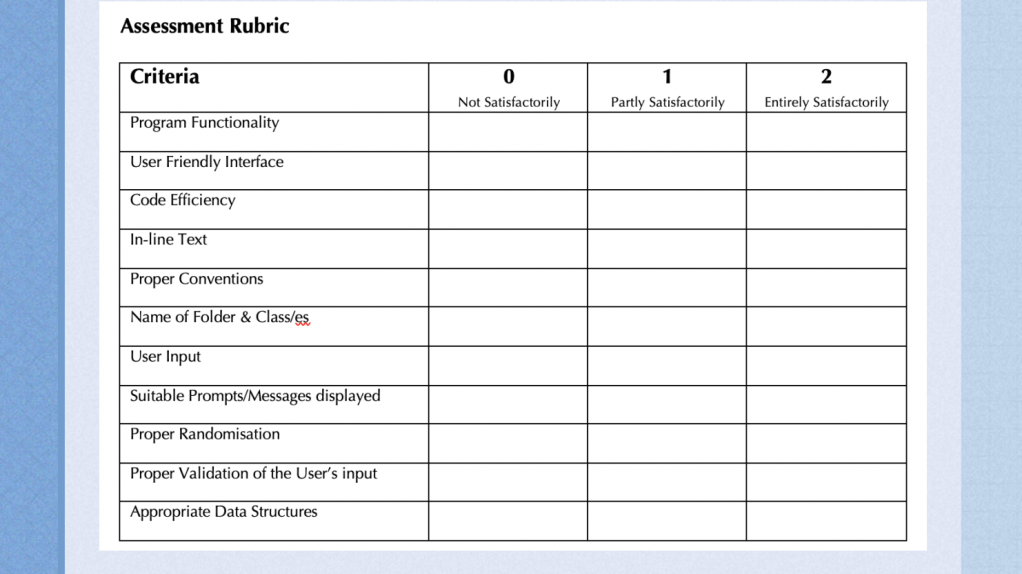
Providing assessment criteria for each different exercise that a student can access anywhere.
When I first gave the above assessment criteria, I realised that it had somewhat backfired in restricting student creativity. Students reasoned that if their code ticked the above required list they needen’t take their work any further…so I learnt to introduce the assessment criteria: Additional Useful Features, where students were awarded 2 marks for each such feature. This created the unusual situation of their being no ‘full marks’ which I think aptly represents the reality of software development as it moves steadfastly forward.
Critical Reflection
This methodology allowed me to get rid of the rigid worksheet and present more of a problem-solving approach to coding. This helped me bring out a streak of creativity and energy in some of the more inclined of my students that I have not seen in past years. Some eventually produced programs far beyond my expectations. Students who were either of very low ability or simply not inclined to work, didn’t fare that much better than usual.
In ‘A New Culture of Learning‘ the authors highlight how play is not only key to childhood but can be central to adults thriving in the twenty first century: and this is just one of a myriad arguments for a gamified approach to learning.
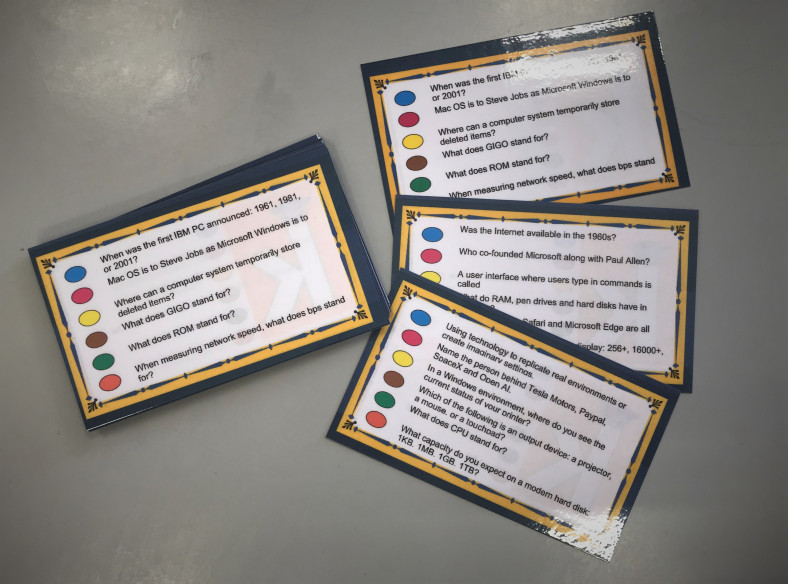
A sense of continuity and purpose to students’ work is a key feature of a gamified approach. One way I have tried doing this with my Year 9 groups was through an ongoing class project round the creation of a game of Trivial Pursuit.
Introduction to the project
At the start of the scholastic year students played a home-grown version of Trivial Pursuit that aimed to introduce Computing.
Flipped Classroom
This Presentation was made available online a week before the competition so that students/teams who wished to prepare for the class team-based competition had an opportunity of doing so. This presentation lent an element of discovery-learning to the exercise.
Two Rounds
As the Trivial Pursuit competition was divided into two rounds with a week’s break in between, teams that had not prepared for the first round had ample time to learn from their mistake and so look up the presentation and prepare better for the second round. This worked better as a motivator than I had hoped (perhaps partly as there were points for our year-long game ‘Save Silicon Valley’ riding on winning the game…as well as a box of chocolates). But I suppose the real reason is that most of us love a challenge.
This Trivial Pursuit game (and the related presentation which students could access both at home and in class during the game itself) covered parts of our introductory unit, allowing self-learning of syllabus-content, a general introduction to Computing as well as background information about key personalities and companies featuring in our ‘Save Silicon Valley’ game.
This exercise went down very well with my students and helped set a very positive tone for the rest of our lessons.
A year-long project
Students were then to produce a similar Trivial Pursuit game in a year-long class-wide effort. At given points during the academic year, each student was given a Trivial Pursuit student question sheet and a section of the syllabus to produce questions about. Students had to come up with three questions: 2 about their section of syllabus content and one on generic topics related to Computing.
Project Conclusion
The questions students produced were to be pooled to create a Trivial Pursuit game that could be part of our revision exercise at the end of the scholastic year.
Students could also have a copy of the game to play at home or share with peers if they wish.
Critical Reflection
I think the idea was a good one, the execution of the year-long project far less so. Unfortunately many students did not bring in their questions and others did not bring them in on time. As a result, we never produced the students’ game.
Moving Forward
I think I should set aside lesson time for students to create their three questions. It well-implemented, this can be a fruitful reflective exercise on our syllabus and should not be too time-consuming.
I hope to implement this project idea again next time I teach a Year 9 group because I think it makes for an excellent way to introduce the subject and create a community feeling in the group, both through playing the initial game and in eventually creating their own revision game together.



 class4d21st.school.blog