
Introduction
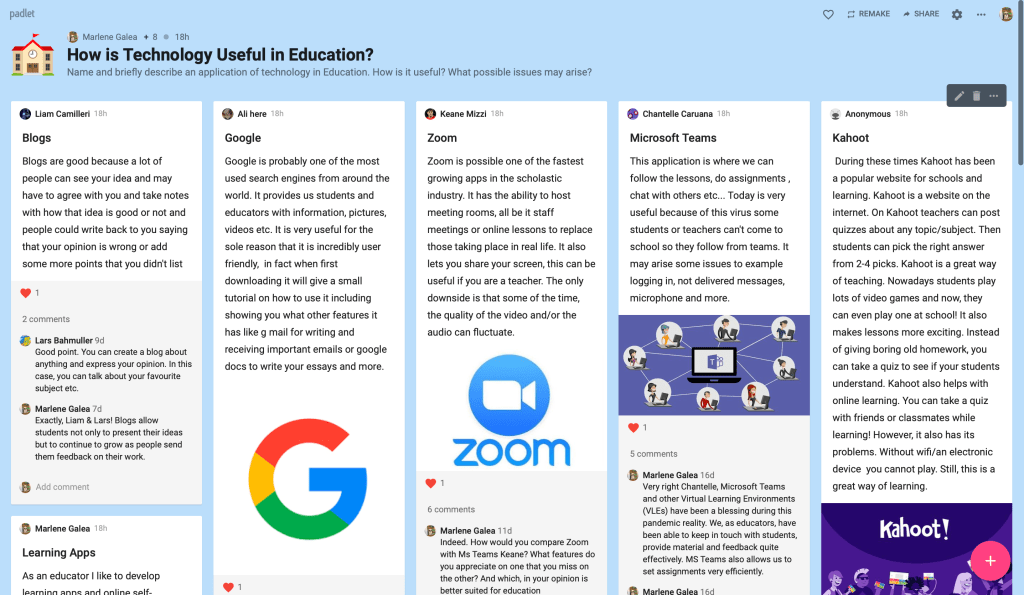
Some months ago, I decided to use a Padlet-based discussion for a Year 11 topic tackling the effects of computers on society. I expected this to be a topic on which all students had points to share and focussed on creating a discussion where all students had the possibility of sharing their points.
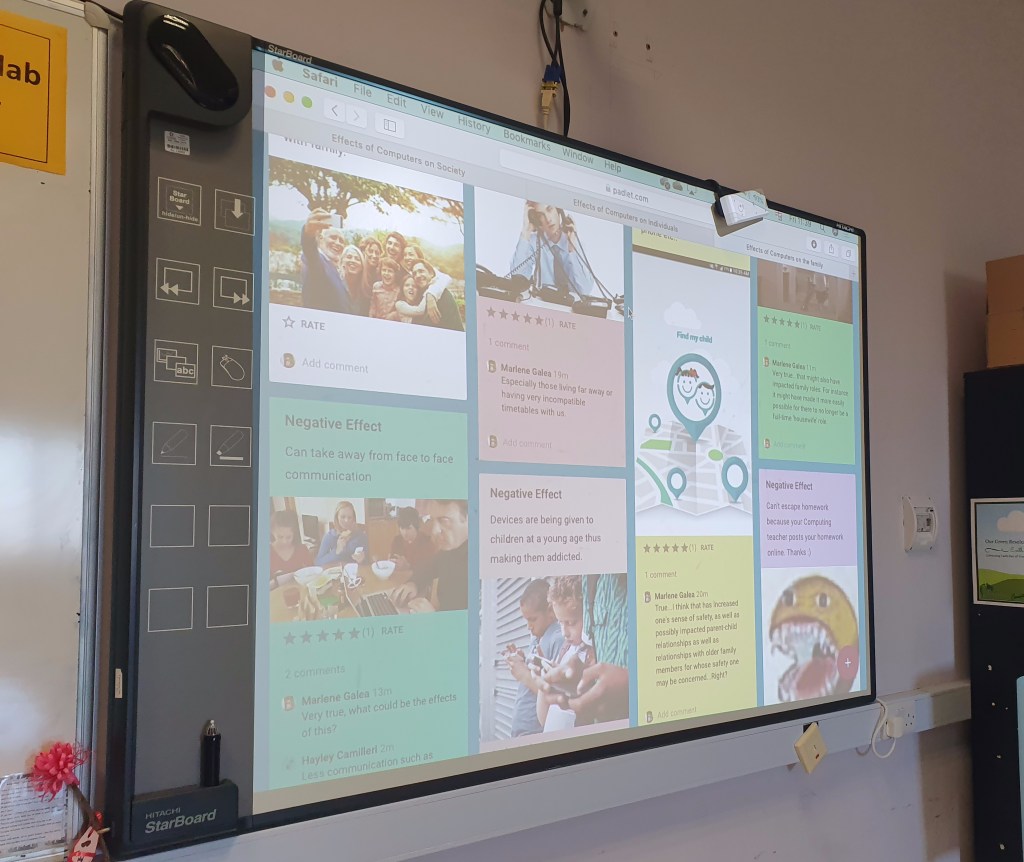
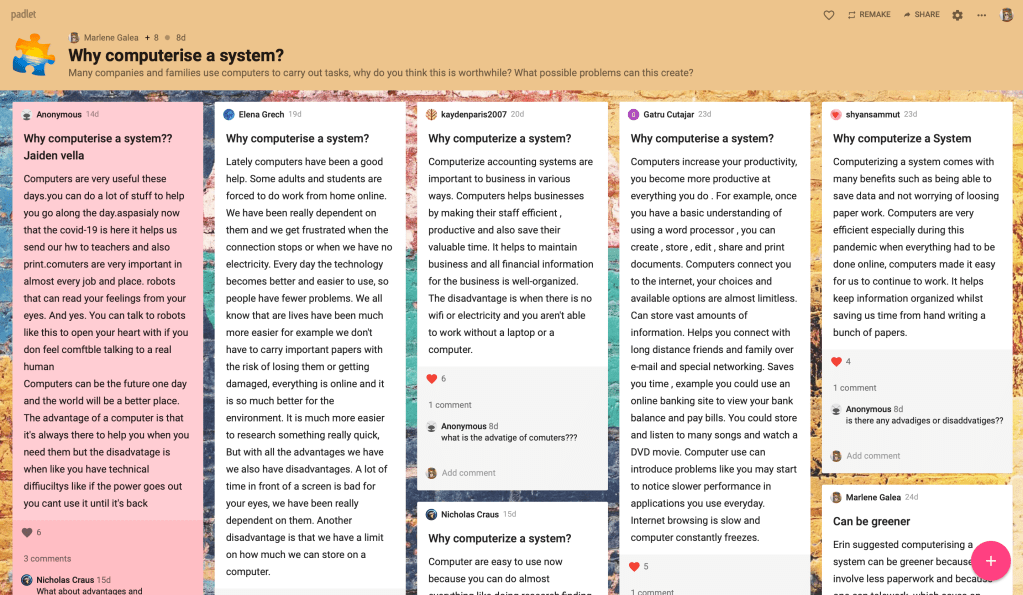
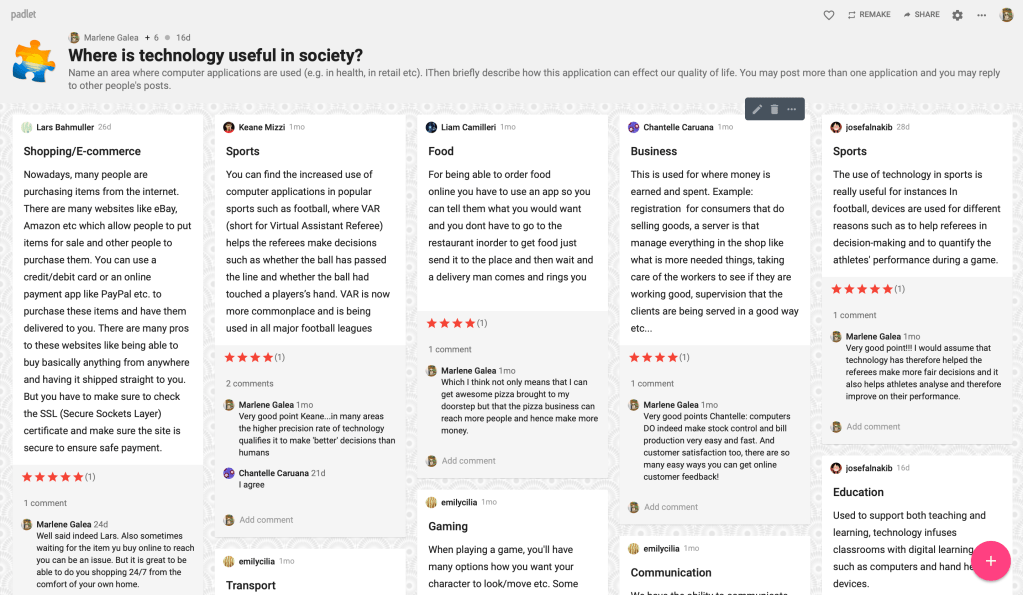
Padlet offered the perfect environment for this, as it allows for students to answer a question, answer each others points and also rate different comments. It also allowed me to give feedback to students as they worked, eliciting greater details or deeper reflections on their points.
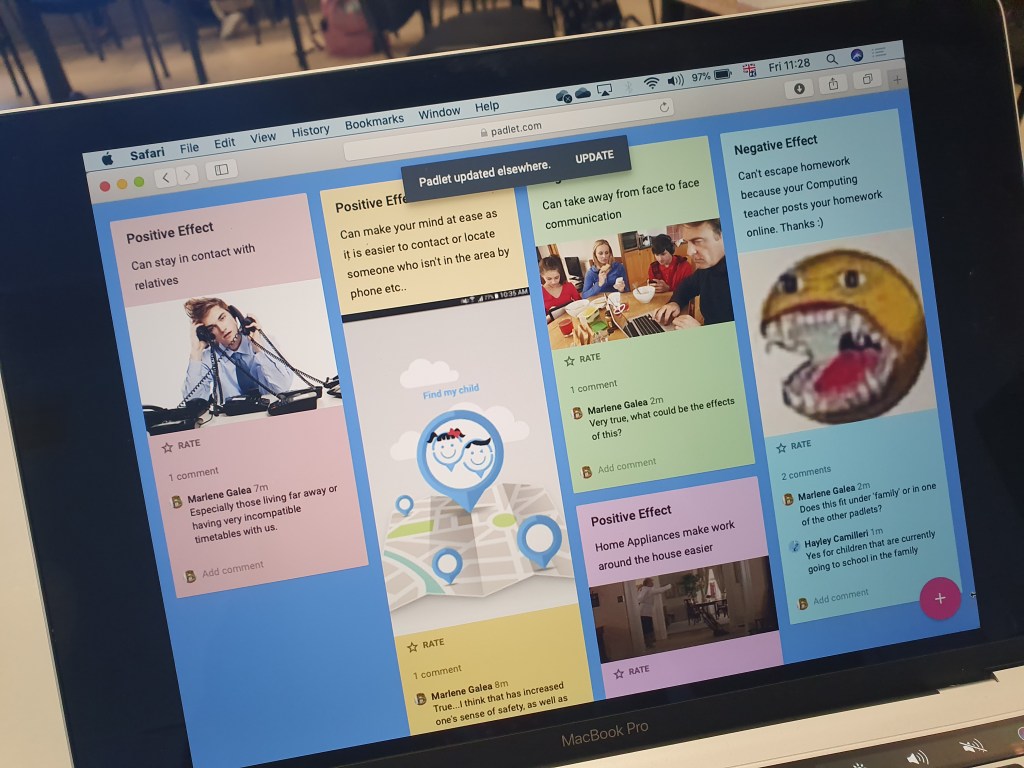
The Lesson
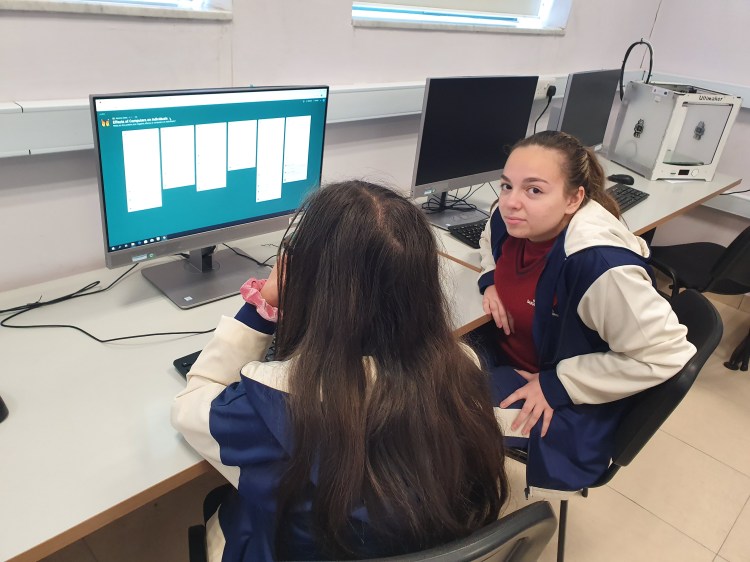
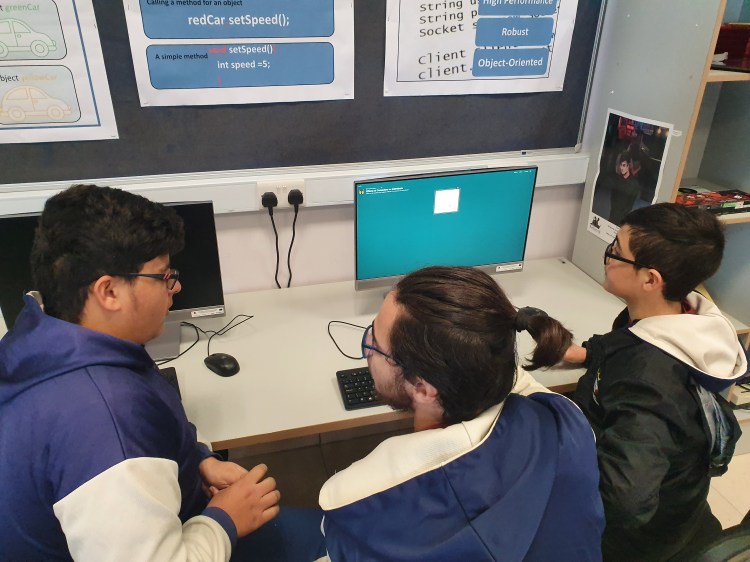
Students were introduced to the task and very briefly to the padlet interface before they set to work in groups of two or three. Each group started by tackling a different question and then moved on to tackle the questions assigned to other groups as well as react to and comment on theur replies.
As the lesson progressed, I myself was leaving comments on their work, adding reflections to their points as well as asking questions to take the discussion deeper.
Critical Reflection
The lesson was a major success. Students were very engaged with the arguments and the fact that I managed to give immediate feedback helped elicit better and better arguments and deeper reflections.
As part of my lesson review, I asked students what they thought of the medium and they expressed great enthusiasm for such a lesson structure, noting how it helped them come up with really good ideas, discuss with others AND really enjoy themselves.
We also reflected on the utility of this structure for group study discussions as well as possible group work.
In this respect, the lesson contributed to our ongoing discussion of positive applications of the internet and social media and preparation for post-secondary education.
Moving Forward
Padlet currently allows only 3 boards when one has a free account, the rest of the service is against payment. This is justifiably so, given the vast and sterling service Padlet offers.
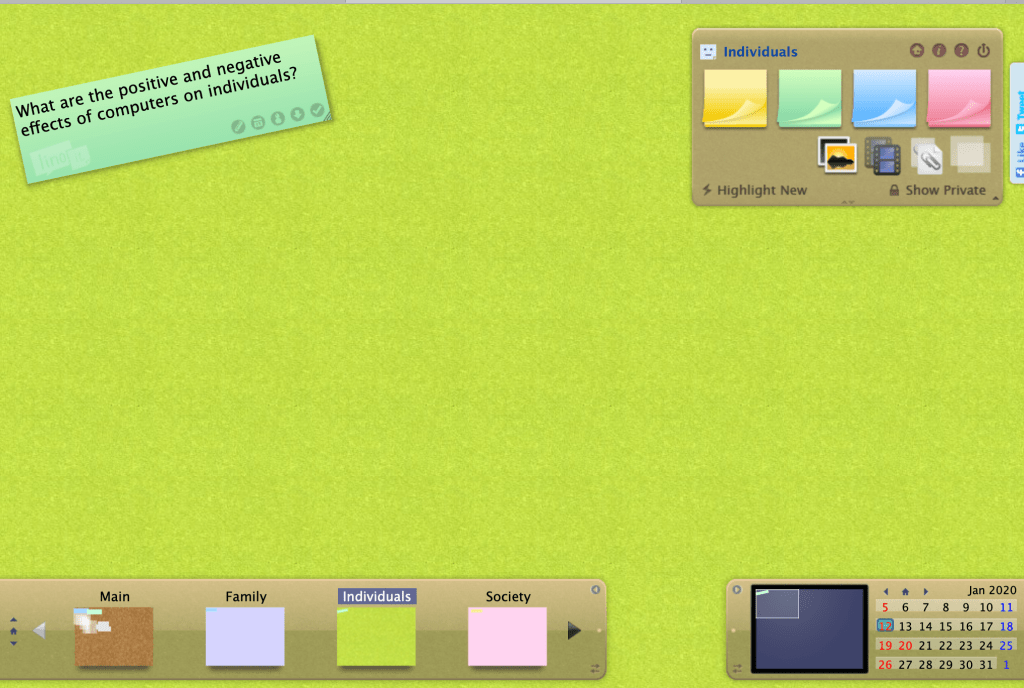
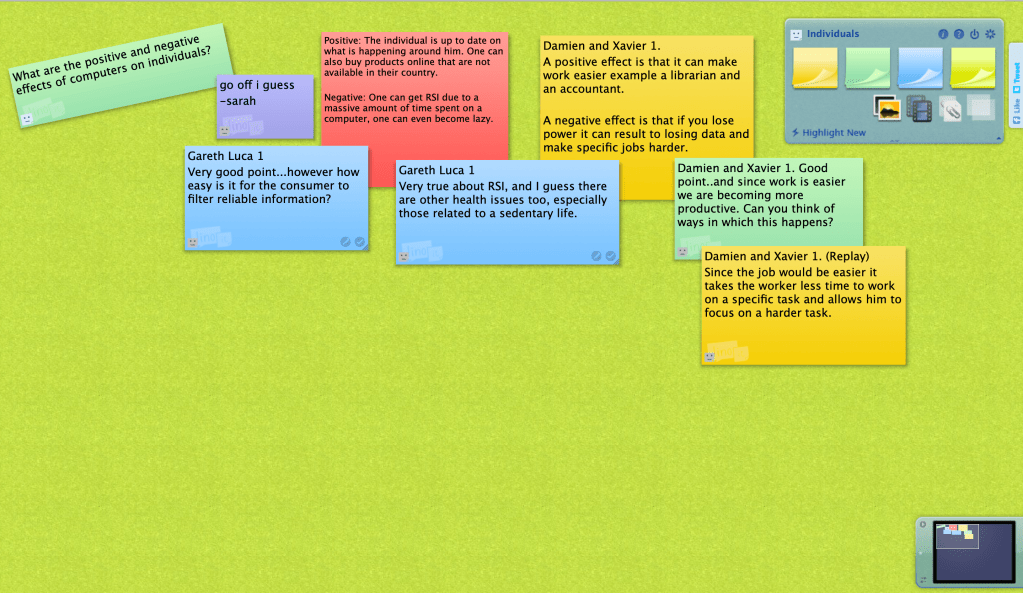
Although I find it somewhat inferior, lino (linoit.com) might be a free option that’s worth considering. When I tried it out, students commented favourably on the interface, but it was not as clear cut or easy to react to each other’s ideas as Padlet. Perhaps when implementing Lino, one could agree on colour-coding message threads so that replies to a given thread might be in the same colour etc. in order to make the discussion clearer.
It would be nice to find something similar and free that I like as well as Padlet.
However, for this year I have felt it worthwhile to obtain a paid subscription to Padlet as it allows me to introduce a much-needed element of interactivity to recorded lesson as well as a way to bring our vulnerable students into classroom conversations.
Such discussions are sometimes an end in themselves and sometimes a warm-up to another activity (E.g. a student assignment). The Padlet structure allows me to give ongoing feedback to students’ points and so help them improve their responses, as opposed to giving a final end-of-assignment assessment.
Resources
One may wish to look at other alternatives in this article on Padlet Alternatives
This lesson idea was largely the result of my reflection on points raised in A New Culture of Learning.
 class4d21st.school.blog